Flowbite (free, open-source)
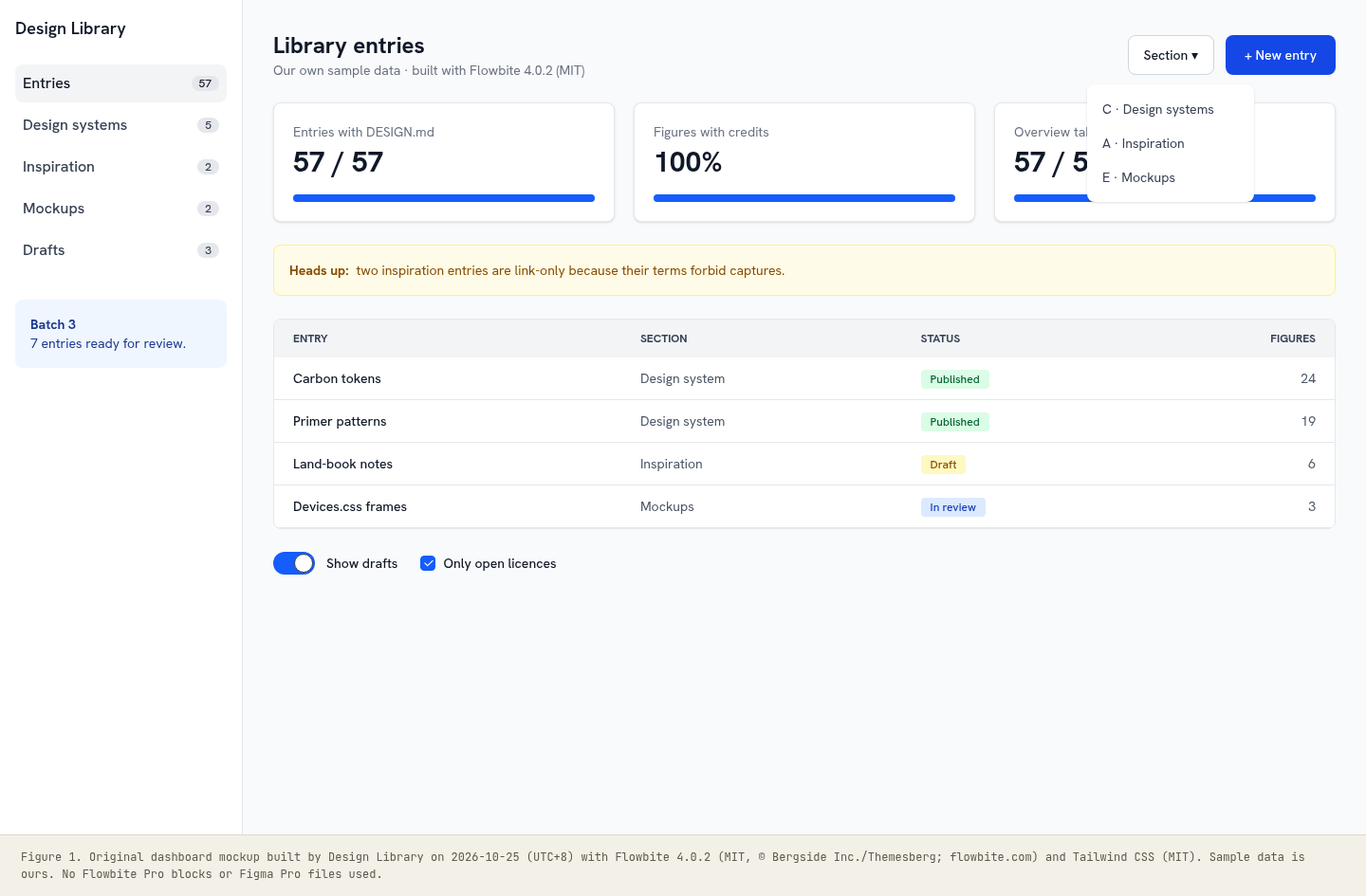
An open-source Tailwind CSS component library (MIT): 68+ interactive components with a small vanilla-JS file for dropdowns, modals and drawers, ports for React, Vue, Svelte and Angular, and a separate paid Pro tier of blocks and Figma files. We built our own dashboard mockup with the free files.
Summary
An open-source Tailwind CSS component library (MIT): 68+ interactive components with a small vanilla-JS file for dropdowns, modals and drawers, ports for React, Vue, Svelte and Angular, and a separate paid Pro tier of blocks and Figma files. We built our own dashboard mockup with the free files.
What it is
An open-source component kit with ready page templates (dashboards, forms, marketing blocks) built on a CSS framework.
Who it’s for
Front-end teams who want working, accessible-by-default components to prototype or ship quickly without designing every state from scratch.
Key takeaways
- Flowbite sits between a component library and a template store.
- The free, MIT-licensed core is a set of Tailwind class recipes plus one vanilla-JS file that wires up dropdowns, modals, drawers, tabs and tooltips through data- attributes, so it works in plain HTML or with the React/Vue/Svelte ports.
- The docs pages are themselves the demo: each component shows a live preview and its markup with a copy button, in light and dark.
- Its weakness is the one most Tailwind kits share: everything defaults to the same blue-700 primary and rounded-lg cards, so screens built from it look alike unless you set your own theme.
- Lessons: treat the free components as a structural starting point, swap the colour and type tokens first, and keep Pro (EULA) blocks out of anything you open-source.
Best practices to borrow
- Set your own colour, font and radius theme before using components so screens don’t look like default Flowbite.
- Load only flowbite.min.js (about 134 KB) where you need interactive components, or use the framework port instead.
- Copy component markup from the free docs and check each one in dark mode (dark: variants are included).
- Keep Pro blocks and Figma Pro files out of open-source repos; they are under a paid EULA.
- Add your own focus, error and disabled states where a block only shows the default state.
- Pin the version (we used flowbite 4.0.2) because class names change between major versions.
- Keep chrome neutral and let content carry color.
- Use a left nav tree, a readable center column and an on-page table of contents.
- Pin the version, keep its accessibility attributes, and theme it with your own tokens instead of editing component CSS.
Deep dive
A structured read of the official pages, terms and package files, checked on 2026-10-25 (UTC+8), logged out. OFFICIAL = stated on the cited page or file; ESTIMATED = measured by us (file sizes, class counts); OURS = our interpretation, not legal advice.
What it is
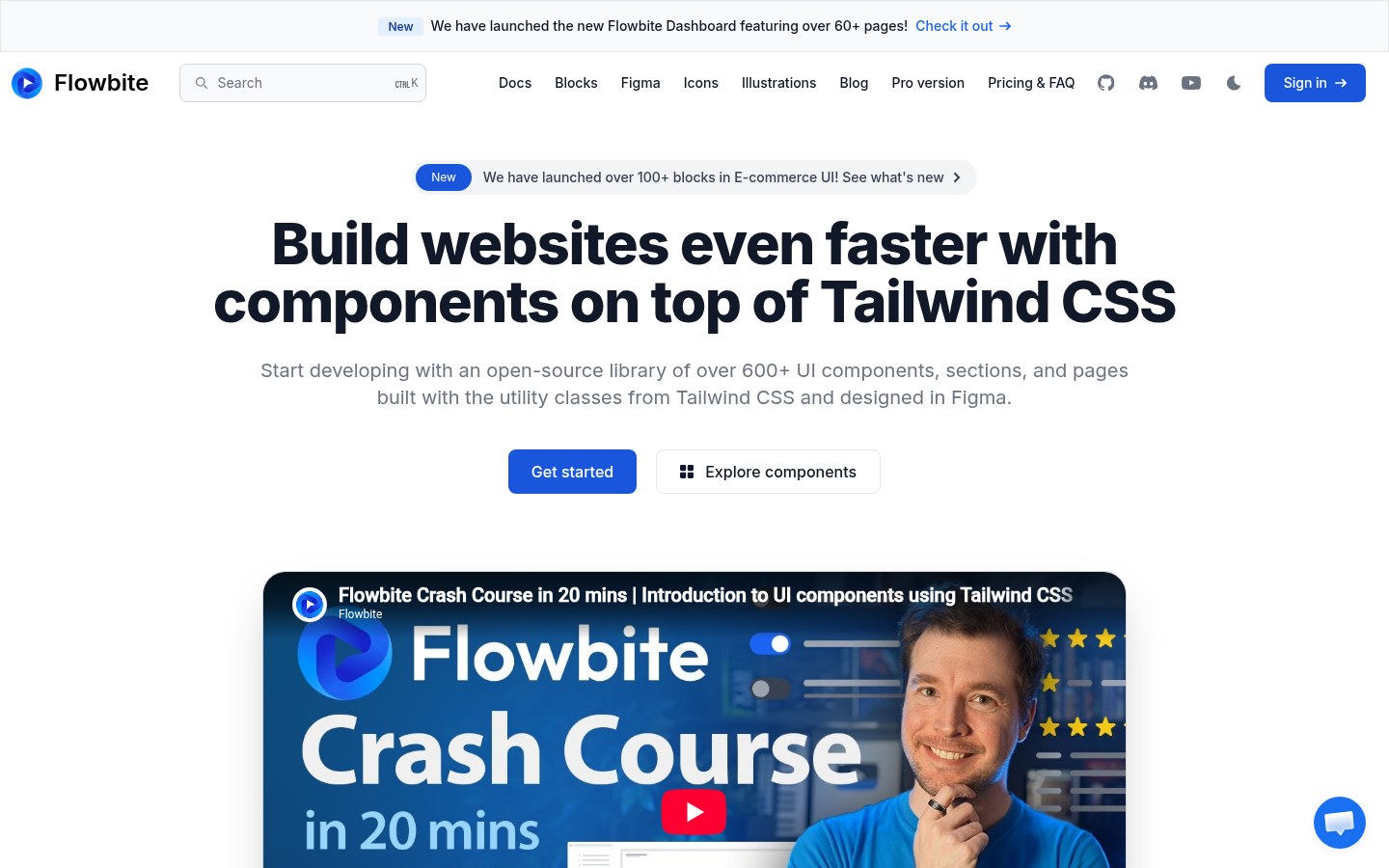
OFFICIAL- “An open-source library of over 600+ UI components, sections, and pages … built with the utility classes from Tailwind CSS and designed in Figma” (flowbite.com, 2026-10-25); “over 68 open-source UI components”.
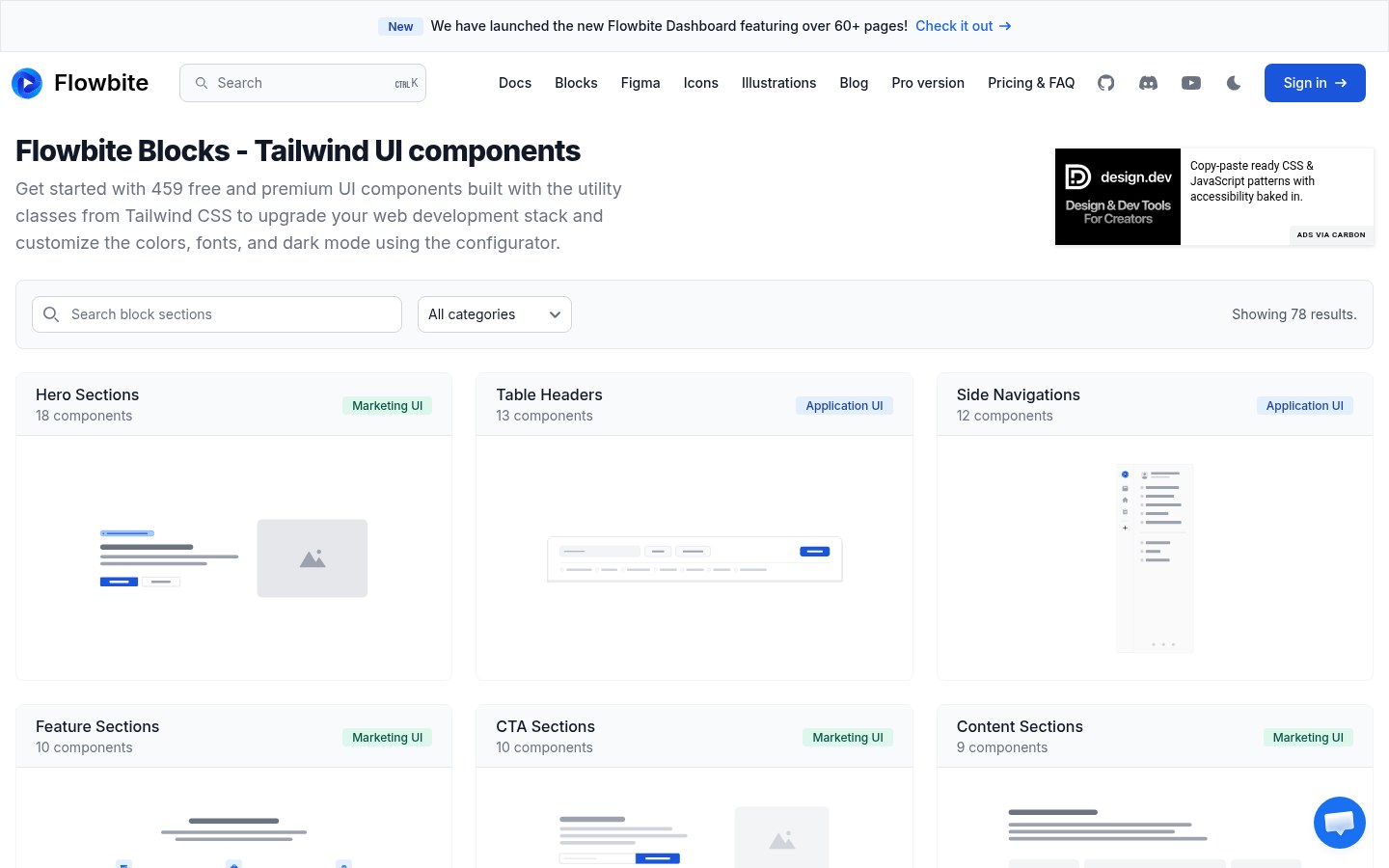
- Ports for React, Vue, Svelte, Angular and other frameworks; Blocks page: “459 free and premium UI components” in Marketing, Application, Publisher and E-commerce UI.
Source: flowbite.com/
Licence split
OFFICIAL- Released code: MIT, © Themesberg (Bergside Inc.).
- Documentation code examples: CC BY 3.0 (forked from Bootstrap docs).
- Flowbite Pro (premium blocks, Figma Pro): separate EULA. The Flowbite name and logos are trademarks of Bergside Inc.
Files we used
ESTIMATED- flowbite 4.0.2 from npm (MIT): dist/flowbite.min.css 190,981 bytes, dist/flowbite.min.js 134,185 bytes.
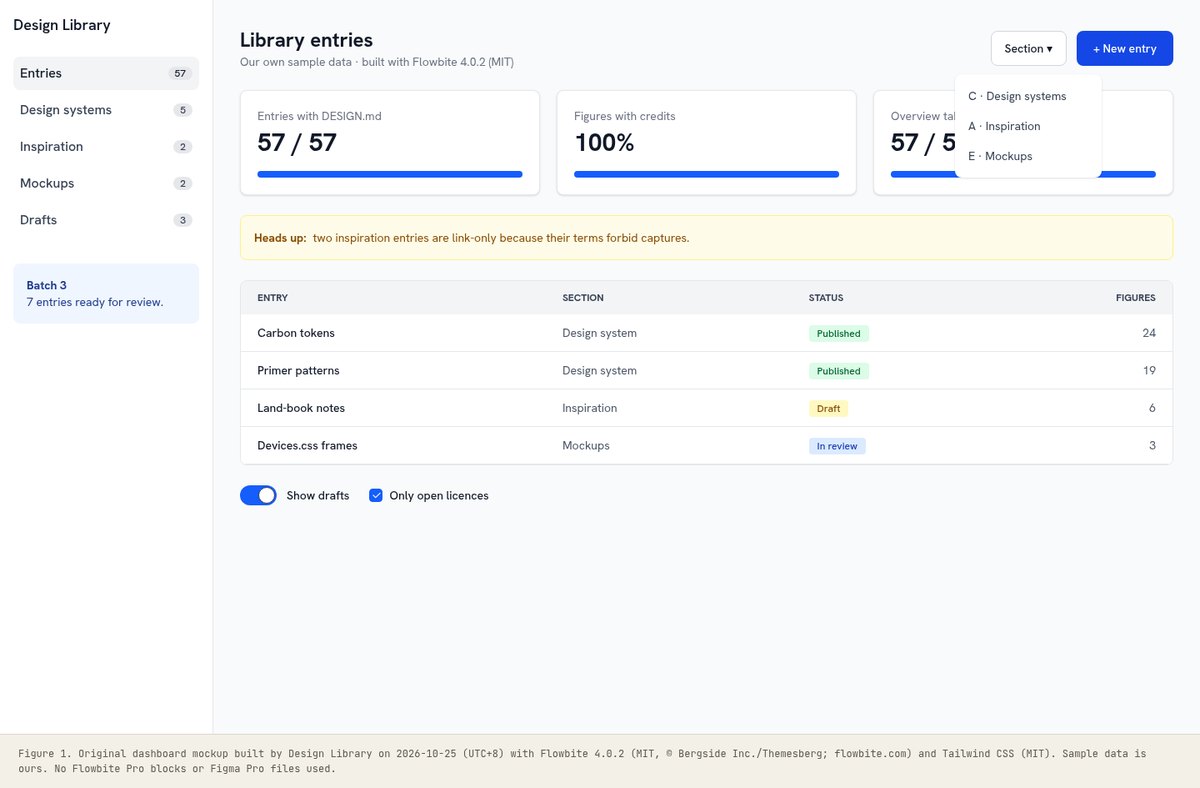
- Our mockup uses only those MIT files plus Tailwind’s browser build; no Pro blocks or Figma Pro files were opened or copied.
Source: github.com/themesberg/flowbite
Setup
OFFICIAL- Tailwind v4: @import "tailwindcss"; @plugin "flowbite/plugin"; @source "../node_modules/flowbite"; then include flowbite.min.js for interactive components.
- Interactive behaviour is wired with data attributes such as data-dropdown-toggle, data-modal-target and data-drawer-target.
UX analysis
OURS- The docs are the demo: every component has a live preview, light/dark toggle and copyable markup, which shortens the loop from browsing to shipping.
- Defaults (blue-700 primary, rounded-lg cards, gray-50 surfaces) are pleasant but generic; most of the design work is replacing them with your tokens.
- States are uneven: many examples show only the default state, so add hover, focus, error and disabled yourself.
Source: flowbite.com/
Palette preview
Quick links
Usage terms at a glance
Our plain-language summary of the license recorded above, as of 2026-10-25. Not legal advice: always read the source’s own terms before shipping.
- Commercial use
- Yes for the free open-source library (MIT). Flowbite Pro blocks and Figma files are paid and under a separate EULA, which we did not use
- Attribution
- Keep the MIT notice; documentation code examples are CC BY 3.0, so credit Flowbite if you reuse docs snippets
- Redistribution
- Free code yes (MIT); Pro no; Flowbite name and logos are Bergside Inc. trademarks
- How you get it
- npm (flowbite, flowbite-react, flowbite-svelte…), CDN, GitHub
How to use
npm install flowbite
/* Tailwind v4 */ @import "tailwindcss"; @plugin "flowbite/plugin"; @source "../node_modules/flowbite";
<script src="../node_modules/flowbite/dist/flowbite.min.js"></script>
<button data-dropdown-toggle="menu" class="text-white bg-blue-700 hover:bg-blue-800 rounded-lg px-5 py-2.5">Menu</button>
Reference capture
What the source looked like when we analysed it. A fair-use page capture taken by this library; the site, its artwork and marks belong to their owner, and no asset files are redistributed here.
Figures
Our own mockup built from the open-licensed (MIT) files; each caption names the files, version and licence.
Related entries
Picked by us (OURS) for what you’ll want next after this entry, with the reason for each.
GitHub Primer
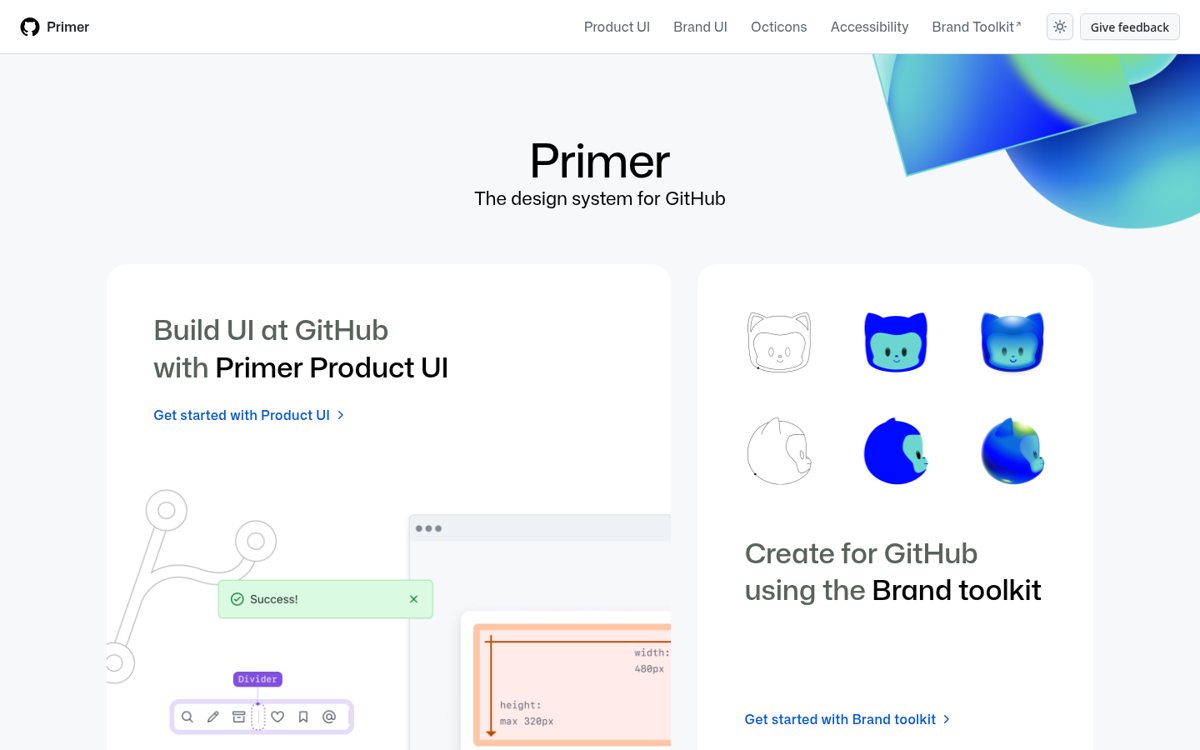
Why: Primer shows how a mature system documents states; check Flowbite components against that bar.
Devices.css
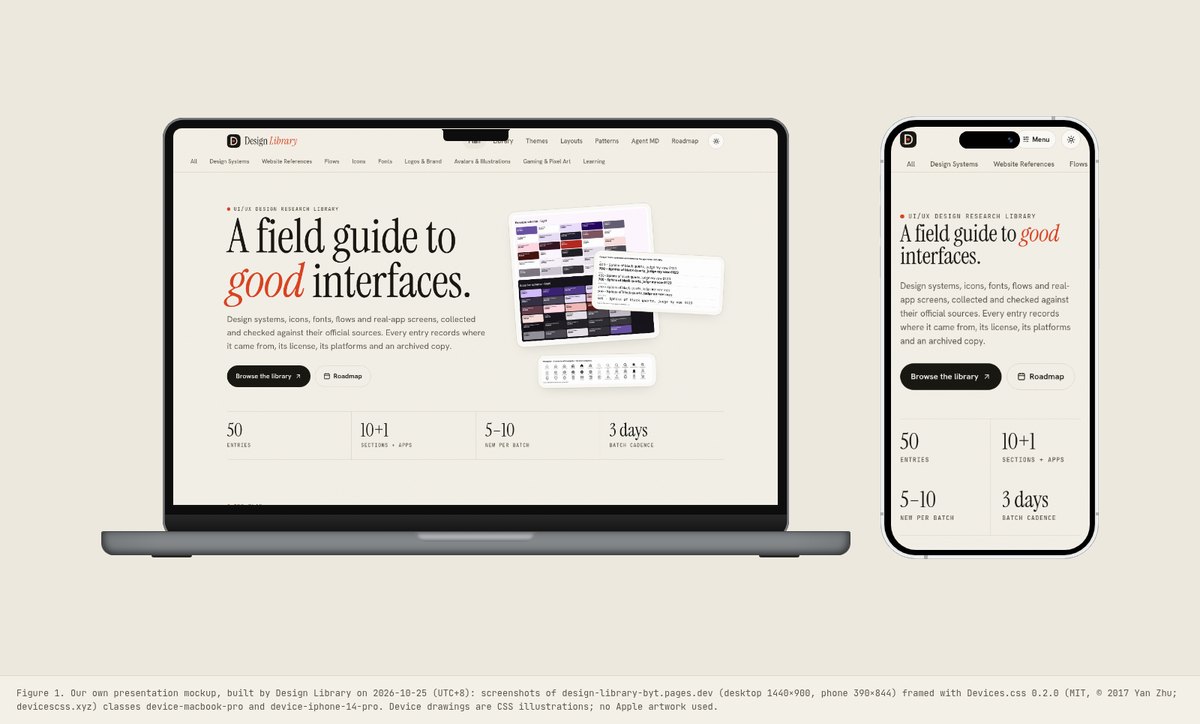
Why: Present your Flowbite screens inside a device frame for case studies.
Heroicons
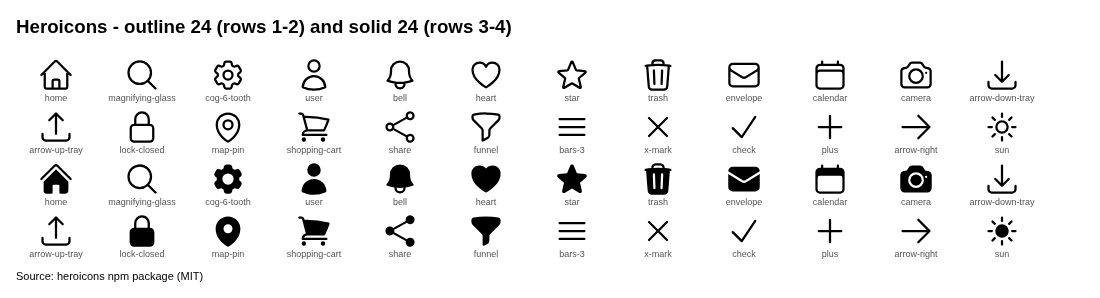
Why: Heroicons is the natural icon set for Tailwind-based Flowbite layouts.
98.css + XP.css
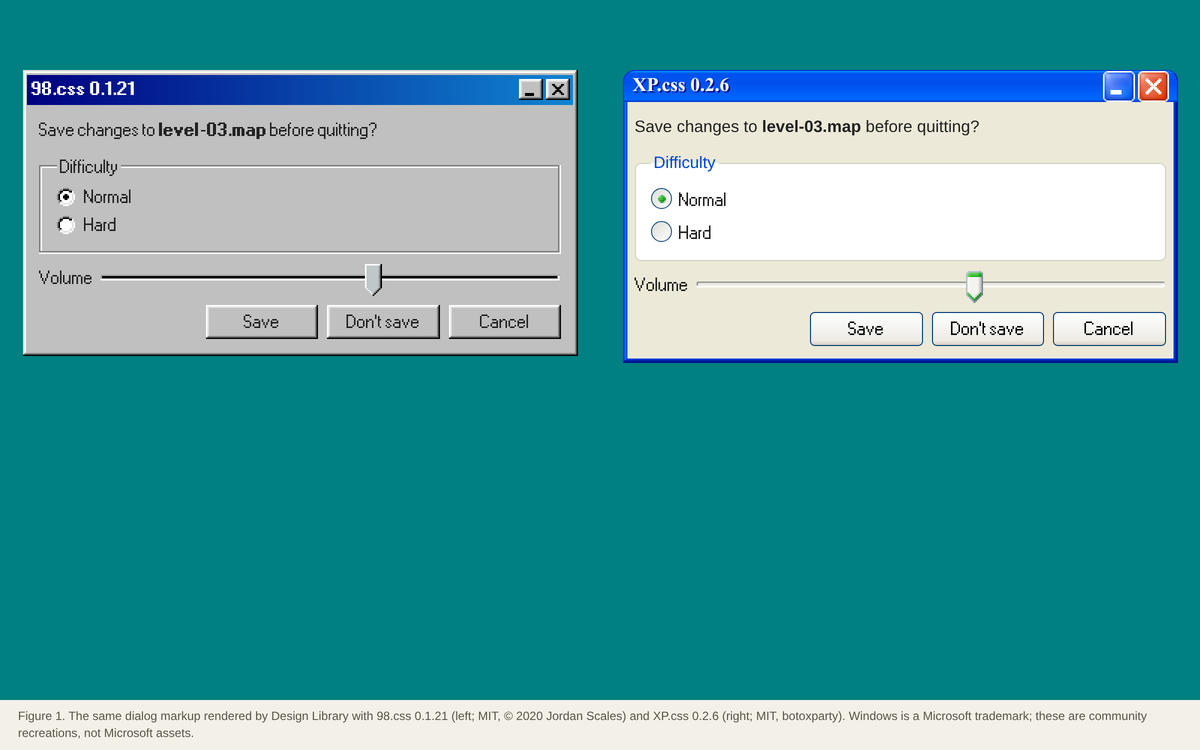
Why: 98.css is the opposite approach: a CSS-only kit with a strong retro look and no build step.
Dominant palette from our captures
Measured by us from our screenshot(s) of https://flowbite.com/ (median-cut quantization; share = % of pixels). Approximate and not official.
Layout pattern: Documentation
Observed by us on the captured page(s). See all entries by layout.
How to apply it: Use a left nav tree, a readable center column and an on-page table of contents.
Other entries with this layout: Apple Human Interface Guidelines, Spotify brand & design guidelines, Vercel brand assets (Geist), DiceBear · Lorelei, DiceBear · Notionists (Notion-style avatars), Anthropic ‘frontend-design’ skill, NES.css, 98.css + XP.css, RPGUI, Pixel fonts: Press Start 2P, Pixelify Sans, Silkscreen, VT323, IBM Carbon Design System, GitHub Primer, Microsoft Fluent 2.
Components
Observed on the captured pages.
- Navbar, sidebar, footer
- Buttons, button group
- Dropdown, mega menu
- Modal, drawer
- Tabs, accordion, carousel
- Forms: input, select, checkbox, radio, toggle, file input, range
- Datepicker
- Tables, pagination
- Alerts, toast, badge
- Cards, list group
- Tooltip, popover
- Progress, spinner, skeleton
- Charts (ApexCharts plugin)
- Blocks: marketing, application, e-commerce (free + Pro)
Our analysis
Flowbite sits between a component library and a template store. The free, MIT-licensed core is a set of Tailwind class recipes plus one vanilla-JS file that wires up dropdowns, modals, drawers, tabs and tooltips through data- attributes, so it works in plain HTML or with the React/Vue/Svelte ports. The docs pages are themselves the demo: each component shows a live preview and its markup with a copy button, in light and dark. Its weakness is the one most Tailwind kits share: everything defaults to the same blue-700 primary and rounded-lg cards, so screens built from it look alike unless you set your own theme. Lessons: treat the free components as a structural starting point, swap the colour and type tokens first, and keep Pro (EULA) blocks out of anything you open-source.
Similar to this
Ranked by shared category, type, industry sector and UX patterns first, then colour theme, layout and mood. Curated picks with reasons are on the Overview tab.


Downloads
PDF: research notes made for this library; third-party images inside follow the credits in their captions. License / terms of the source: MIT (Flowbite open-source code, © Bergside Inc./Themesberg); documentation code examples CC BY 3.0; Flowbite Pro blocks and Figma Pro are under a separate paid EULA and are excluded here
DESIGN.md for AI coding agents
Copy this into your repo or agent context. OFFICIAL and ESTIMATED values are labelled.
# DESIGN.md · Flowbite (free, open-source) (MK-001)

> Written for AI coding agents. Values marked **OFFICIAL** come from the documented source named below; values marked **ESTIMATED** were measured by us from our own screenshots and are approximate. Never treat ESTIMATED values as official brand tokens.

## Overview
- Type: UI Kit / Template · Category: E. Mockups and Templates
- Platforms: Web, Tailwind CSS, React, Vue, Svelte, Angular
- Color theme: Monochrome light · Layout pattern: Documentation · Mood: Friendly, practical, Tailwind
- License / terms: MIT (Flowbite open-source code, © Bergside Inc./Themesberg); documentation code examples CC BY 3.0; Flowbite Pro blocks and Figma Pro are under a separate paid EULA and are excluded here
- Industry: Open-source design assets
- Patterns: Live component demo, Docs with code tabs

An open-source Tailwind CSS component library (MIT): 68+ interactive components with a small vanilla-JS file for dropdowns, modals and drawers, ports for React, Vue, Svelte and Angular, and a separate paid Pro tier of blocks and Figma files. We built our own dashboard mockup with the free files.

### Analysis (ours)
Flowbite sits between a component library and a template store. The free, MIT-licensed core is a set of Tailwind class recipes plus one vanilla-JS file that wires up dropdowns, modals, drawers, tabs and tooltips through data- attributes, so it works in plain HTML or with the React/Vue/Svelte ports. The docs pages are themselves the demo: each component shows a live preview and its markup with a copy button, in light and dark. Its weakness is the one most Tailwind kits share: everything defaults to the same blue-700 primary and rounded-lg cards, so screens built from it look alike unless you set your own theme. Lessons: treat the free components as a structural starting point, swap the colour and type tokens first, and keep Pro (EULA) blocks out of anything you open-source.

### Best practices (ours)
- Set your own colour, font and radius theme before using components so screens don’t look like default Flowbite.
- Load only flowbite.min.js (about 134 KB) where you need interactive components, or use the framework port instead.
- Copy component markup from the free docs and check each one in dark mode (dark: variants are included).
- Keep Pro blocks and Figma Pro files out of open-source repos; they are under a paid EULA.
- Add your own focus, error and disabled states where a block only shows the default state.
- Pin the version (we used flowbite 4.0.2) because class names change between major versions.

### Deep analysis
Values marked OFFICIAL come from the cited official page, terms page or package file, fetched 2026-10-25 (UTC+8), logged out. ESTIMATED values were measured by us that day (file sizes, class counts). OURS is our interpretation, not legal advice.

#### What it is (OFFICIAL) · source: https://flowbite.com/
- “An open-source library of over 600+ UI components, sections, and pages … built with the utility classes from Tailwind CSS and designed in Figma” (flowbite.com, 2026-10-25); “over 68 open-source UI components”.
- Ports for React, Vue, Svelte, Angular and other frameworks; Blocks page: “459 free and premium UI components” in Marketing, Application, Publisher and E-commerce UI.

#### Licence split (OFFICIAL) · source: https://flowbite.com/docs/getting-started/license/
- Released code: MIT, © Themesberg (Bergside Inc.).
- Documentation code examples: CC BY 3.0 (forked from Bootstrap docs).
- Flowbite Pro (premium blocks, Figma Pro): separate EULA. The Flowbite name and logos are trademarks of Bergside Inc.

#### Files we used (ESTIMATED) · source: https://github.com/themesberg/flowbite
- flowbite 4.0.2 from npm (MIT): dist/flowbite.min.css 190,981 bytes, dist/flowbite.min.js 134,185 bytes.
- Our mockup uses only those MIT files plus Tailwind’s browser build; no Pro blocks or Figma Pro files were opened or copied.

#### Setup (OFFICIAL) · source: https://flowbite.com/docs/getting-started/quickstart/
- Tailwind v4: @import "tailwindcss"; @plugin "flowbite/plugin"; @source "../node_modules/flowbite"; then include flowbite.min.js for interactive components.
- Interactive behaviour is wired with data attributes such as data-dropdown-toggle, data-modal-target and data-drawer-target.

#### UX analysis (OURS) · source: https://flowbite.com/
- The docs are the demo: every component has a live preview, light/dark toggle and copyable markup, which shortens the loop from browsing to shipping.
- Defaults (blue-700 primary, rounded-lg cards, gray-50 surfaces) are pleasant but generic; most of the design work is replacing them with your tokens.
- States are uneven: many examples show only the default state, so add hover, focus, error and disabled yourself.

### Usage terms at a glance (our summary, not legal advice)
- Commercial use: Yes for the free open-source library (MIT). Flowbite Pro blocks and Figma files are paid and under a separate EULA, which we did not use
- Attribution: Keep the MIT notice; documentation code examples are CC BY 3.0, so credit Flowbite if you reuse docs snippets
- Redistribution: Free code yes (MIT); Pro no; Flowbite name and logos are Bergside Inc. trademarks
- How you get it: npm (flowbite, flowbite-react, flowbite-svelte…), CDN, GitHub

## Color tokens
No official color tokens documented for this entry.

ESTIMATED · dominant colors measured from our screenshot(s) of the source site (median-cut quantization; share = % of pixels). Approximate, not official:

- `#FFFFFF` ~55%
- `#3C4E74` ~6%
- `#0A3563` ~5%
- `#A3AFBC` ~5%
- `#E8E5E5` ~3%

## Typography
No official type scale documented for this entry; use the product’s own typography guidance.

## Spacing, radii, shadows
Not documented for this entry. Do not invent values; derive from your own design system.

## Components
- Navbar, sidebar, footer
- Buttons, button group
- Dropdown, mega menu
- Modal, drawer
- Tabs, accordion, carousel
- Forms: input, select, checkbox, radio, toggle, file input, range
- Datepicker
- Tables, pagination
- Alerts, toast, badge
- Cards, list group
- Tooltip, popover
- Progress, spinner, skeleton
- Charts (ApexCharts plugin)
- Blocks: marketing, application, e-commerce (free + Pro)

## Layout rules
- Observed layout pattern: **Documentation** (from our captures).

## Usage
```
npm install flowbite
/* Tailwind v4 */ @import "tailwindcss"; @plugin "flowbite/plugin"; @source "../node_modules/flowbite";
<script src="../node_modules/flowbite/dist/flowbite.min.js"></script>
<button data-dropdown-toggle="menu" class="text-white bg-blue-700 hover:bg-blue-800 rounded-lg px-5 py-2.5">Menu</button>
```

## Do’s and don’ts
- Do: Keep chrome neutral and let content (images, icons, type) carry color.
- Don’t: Don’t introduce decorative color that competes with content.
- Do: follow the source’s license/terms listed above.
- Don’t: present ESTIMATED colors as official tokens.

## Related entries (ours)
- DS-004: Primer shows how a mature system documents states; check Flowbite components against that bar. · https://design-library-byt.pages.dev/entry/DS-004
- MK-002: Present your Flowbite screens inside a device frame for case studies. · https://design-library-byt.pages.dev/entry/MK-002
- IC-002: Heroicons is the natural icon set for Tailwind-based Flowbite layouts. · https://design-library-byt.pages.dev/entry/IC-002
- GP-002: 98.css is the opposite approach: a CSS-only kit with a strong retro look and no build step. · https://design-library-byt.pages.dev/entry/GP-002

## Sources
- https://flowbite.com/
- Library entry: https://design-library-byt.pages.dev/entry/MK-001