Linear onboarding flow
Linear’s logged-in onboarding, captured step by step from a free account: workspace creation, five optional setup steps, and the first issues view.
Summary
Linear’s logged-in onboarding, captured step by step from a free account: workspace creation, five optional setup steps, and the first issues view.
What it is
A logged-in user flow captured step by step from a free account.
Who it’s for
Designers and PMs studying onboarding and first-run experiences.
Key takeaways
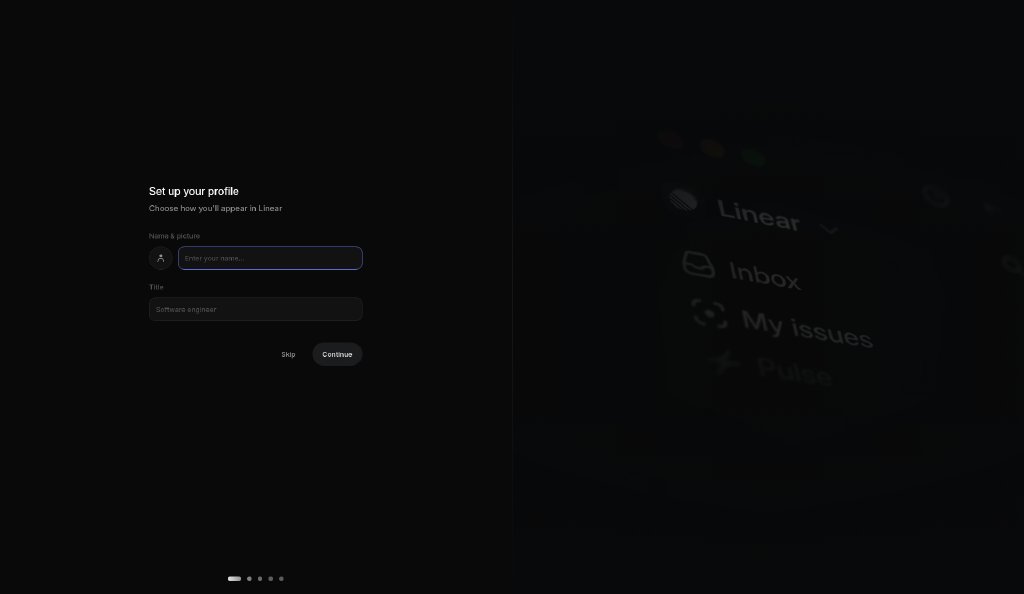
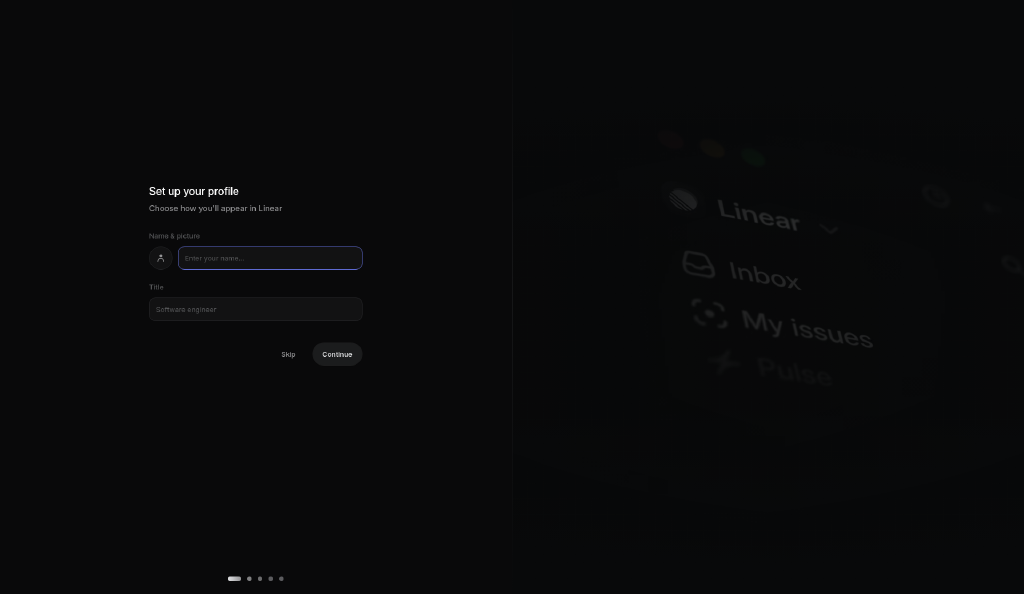
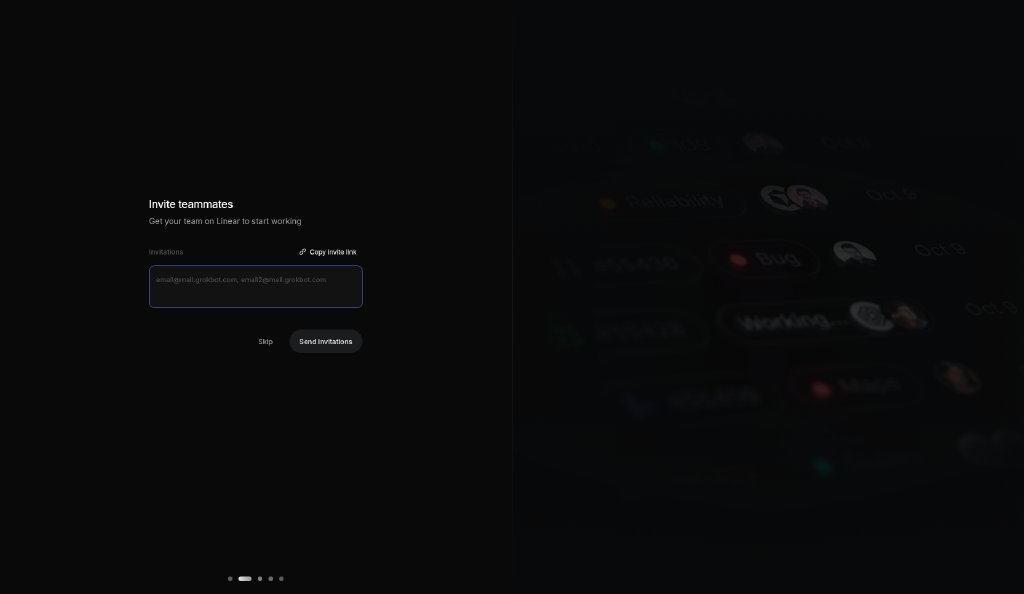
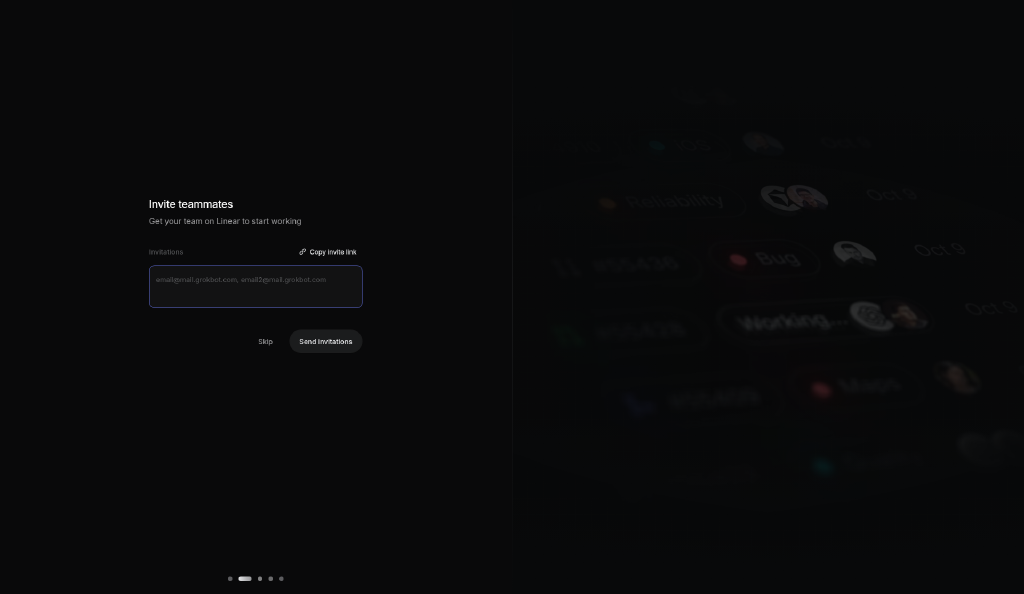
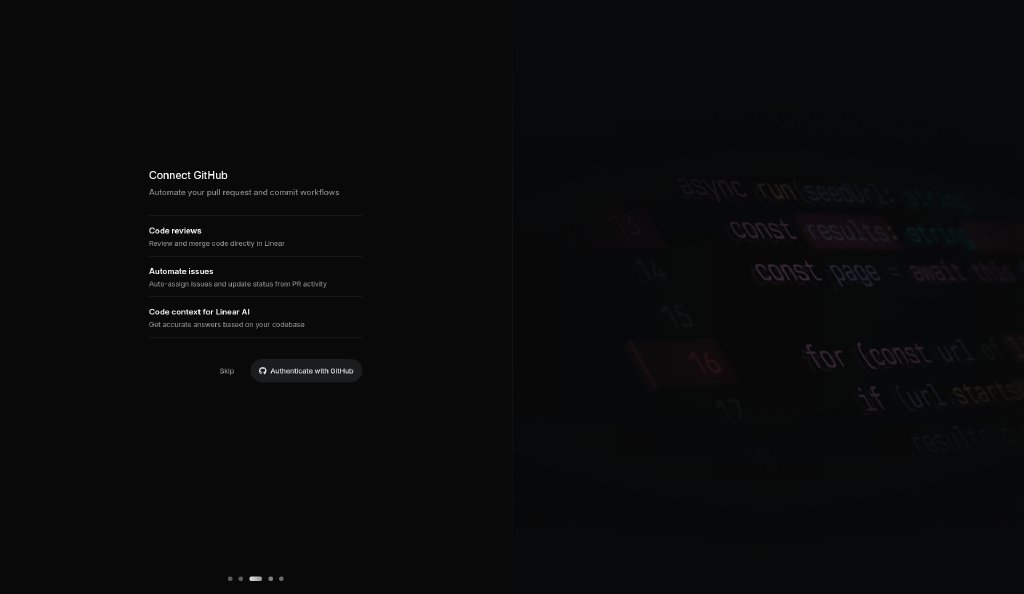
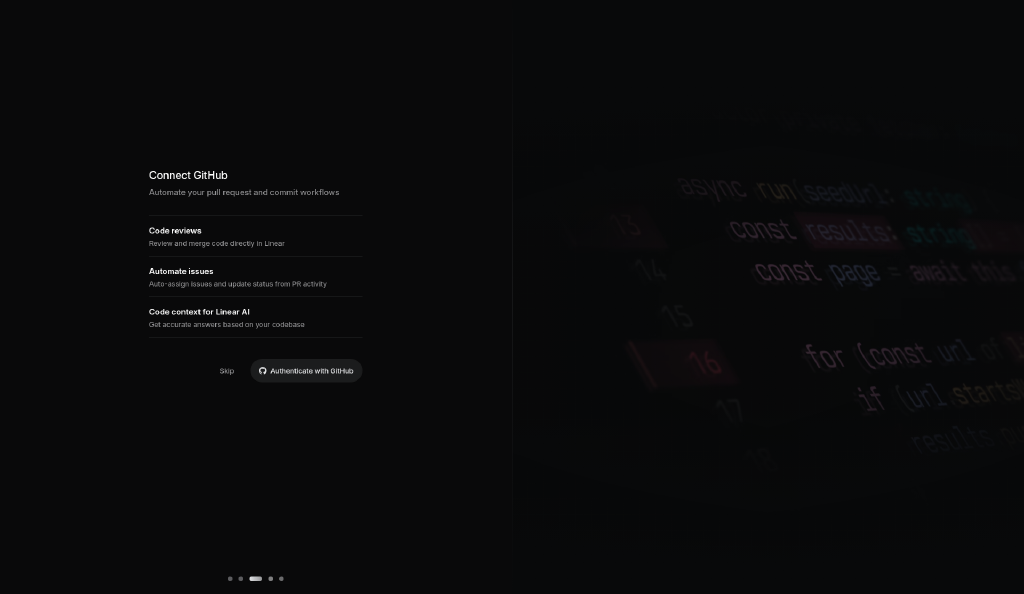
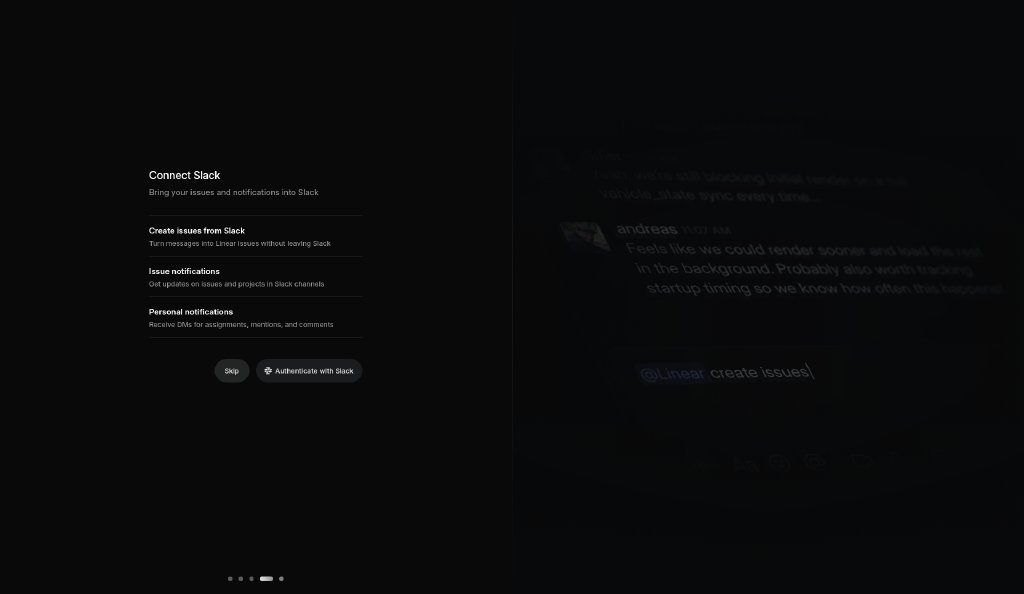
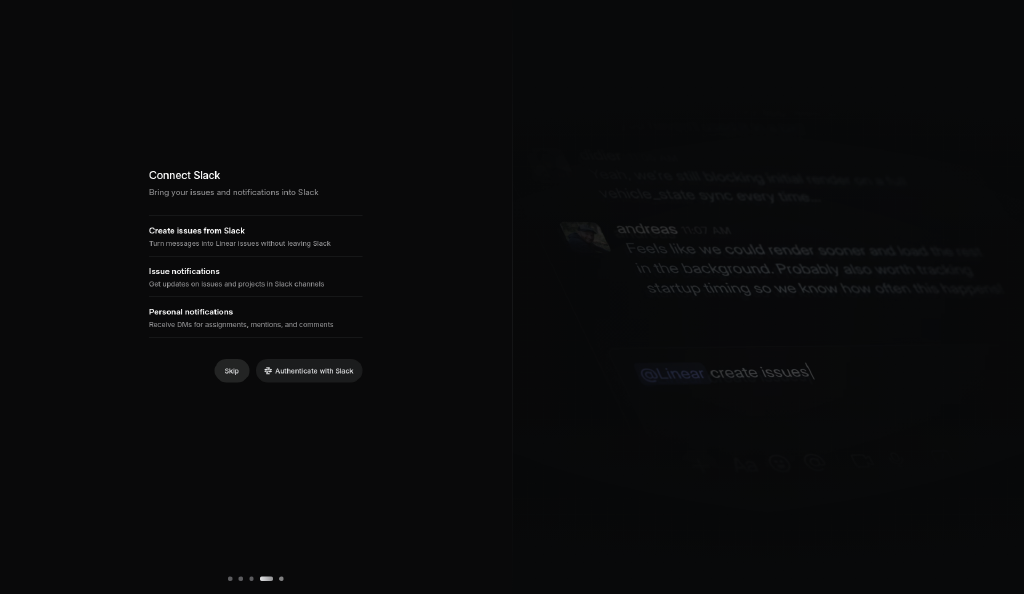
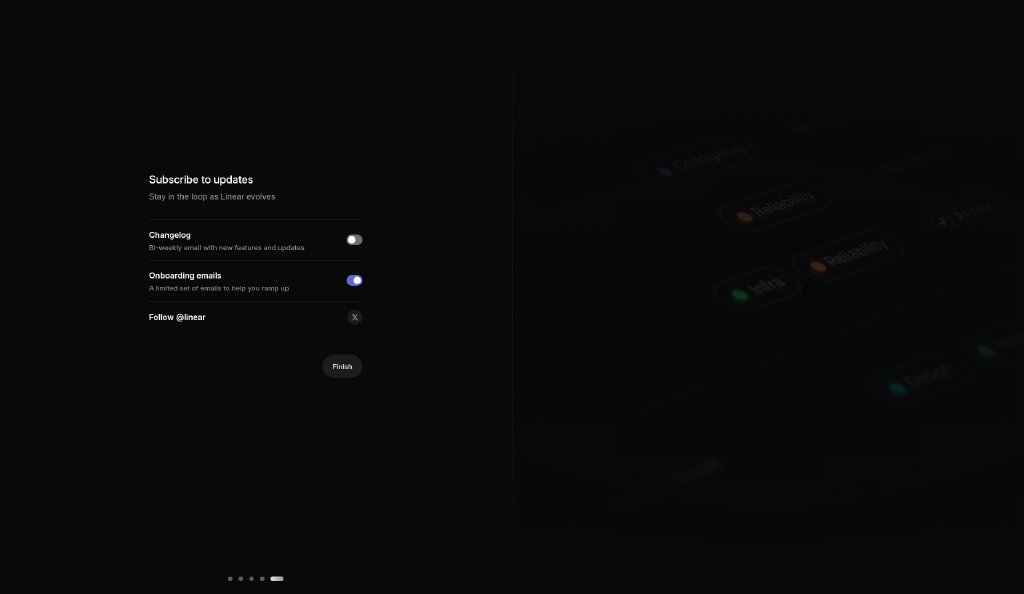
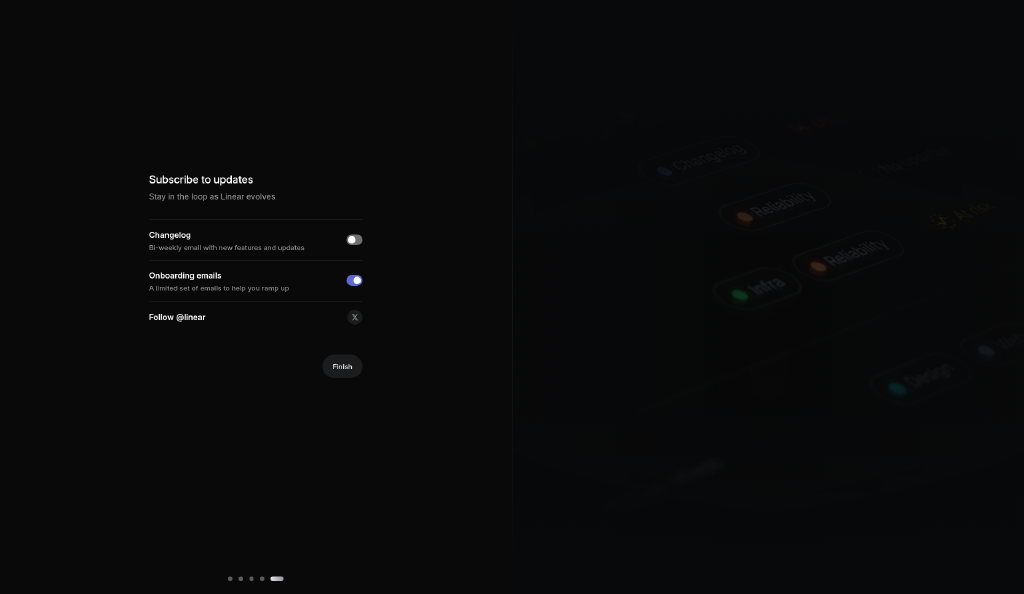
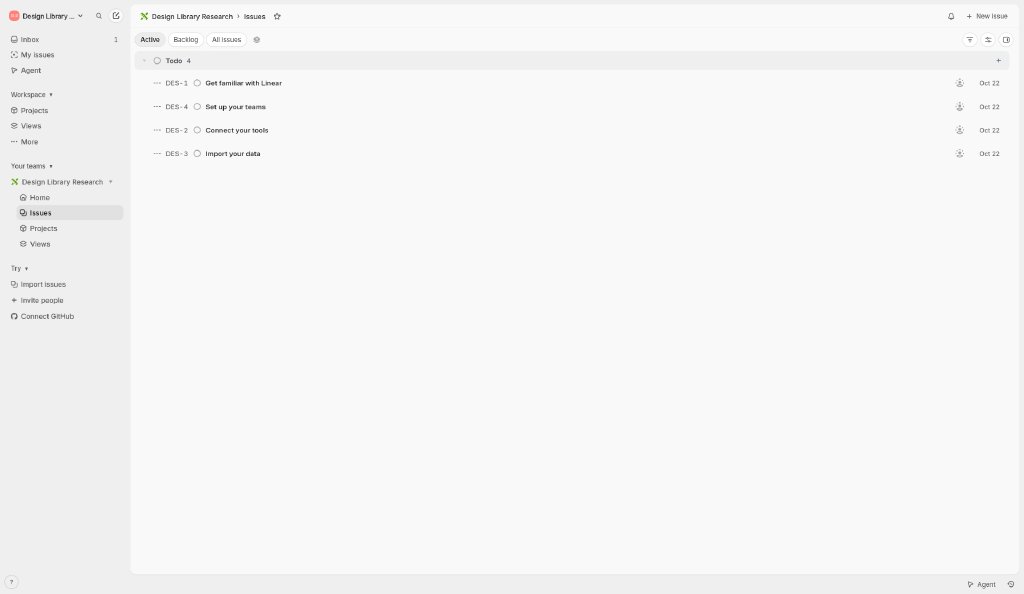
- Our free-account captures: after a light ‘Create workspace’ form, onboarding switches to five dark split-screen steps (profile, invite, GitHub, Slack, updates) with progress dots and Skip on every step, then lands in the issues view pre-filled with four starter issues.
- Lesson: keep each step to one decision, make integrations optional, and seed the product with sample work so the first screen is never empty.
- Color: monochrome dark theme; dominant colors #09090A, #F8F8F9, #717172 (ESTIMATED from our capture).
Best practices to borrow
- Use a near-black canvas, white text and at most one accent.
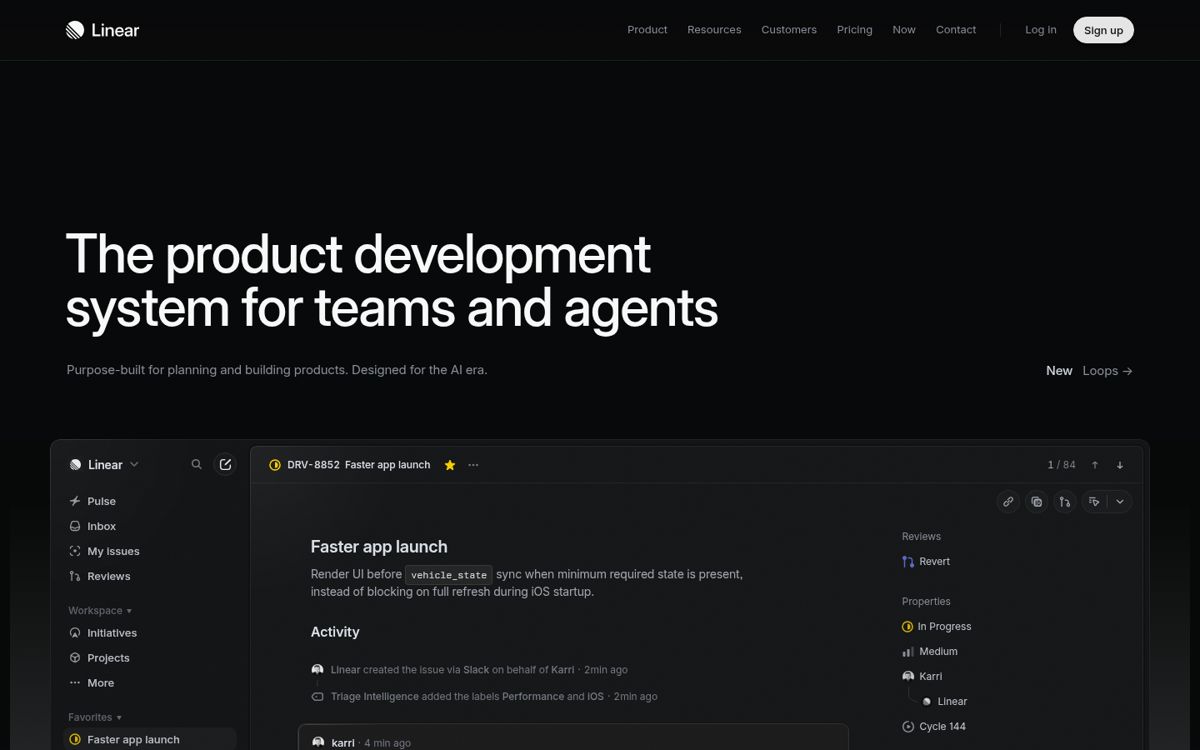
- Put the promise on one side and proof (product, media or illustration) on the other; keep the headline short.
- Keep every onboarding step to one decision, make optional steps skippable, and land users on useful content.
Palette preview
Quick links
Screenshots and the step-by-step flow are in the Flow tab.
Dominant palette from our captures
Measured by us from our screenshot(s) of https://linear.app (median-cut quantization; share = % of pixels). Approximate and not official.
Layout pattern: Split hero
Observed by us on the captured page(s). See all entries by layout.
How to apply it: Put the promise on one side and proof (product, media or illustration) on the other; keep the headline short.
Other entries with this layout: Material Design 3, Heroicons, Phosphor Icons, Linear, Stripe, Notion, DiceBear, Open Peeps, Humaaans, Blush.
Components
Observed on the captured pages.
- Centered form
- Split-screen step
- Progress dots
- Skip / Continue button pair
- Integration auth button
- Toggle list
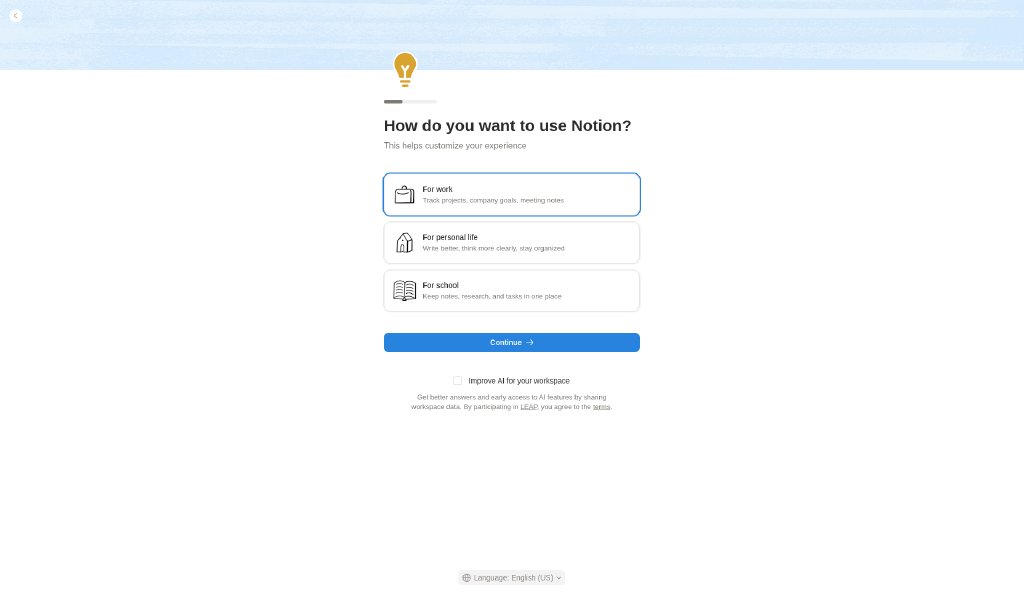
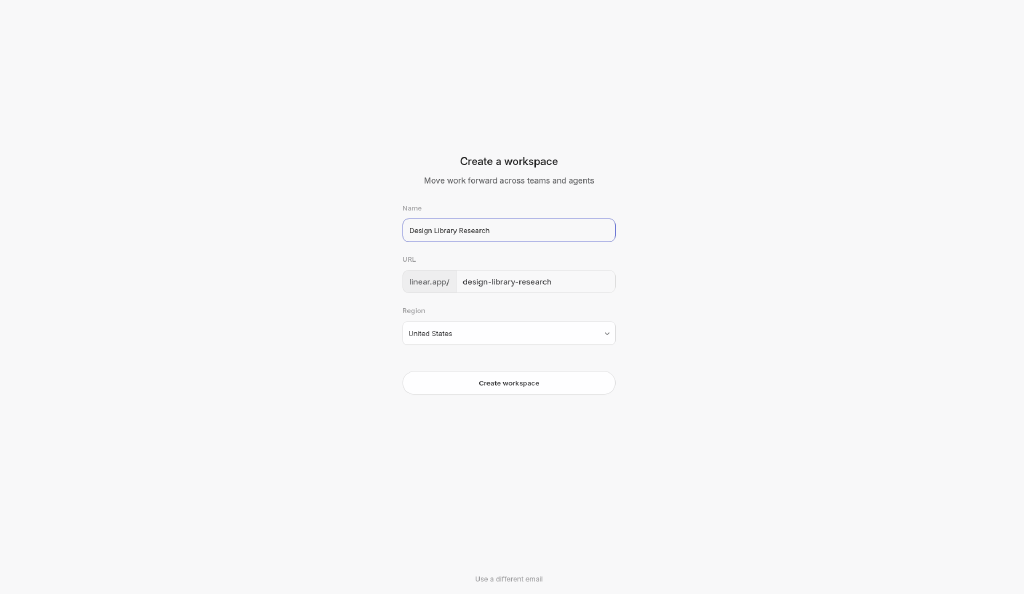
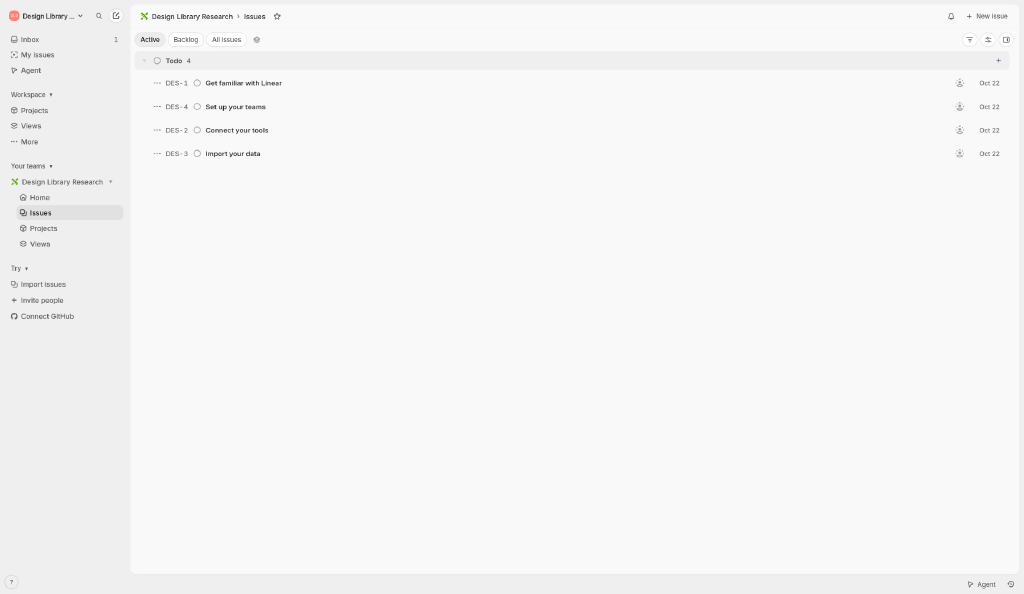
Create workspace → Set up profile → Invite teammates → Connect GitHub → Connect Slack → Subscribe to updates → Issues view (app shell)
Captured by us inside Linear with a free account on 2026-10-22 ~23:52 (UTC+8). Reference captures for design research; Linear’s UI, content and marks belong to their owner. Blanked: the account email (workspace creation screen) and the account name (assignee chip in the issue modal).
Mermaid source
flowchart LR
  S1["Create workspace"] --> S2
  S2["Set up profile"] --> S3
  S3["Invite teammates"] --> S4
  S4["Connect GitHub"] --> S5
  S5["Connect Slack"] --> S6
  S6["Subscribe to updates"] --> S7
  S7["Issues view (app shell)"]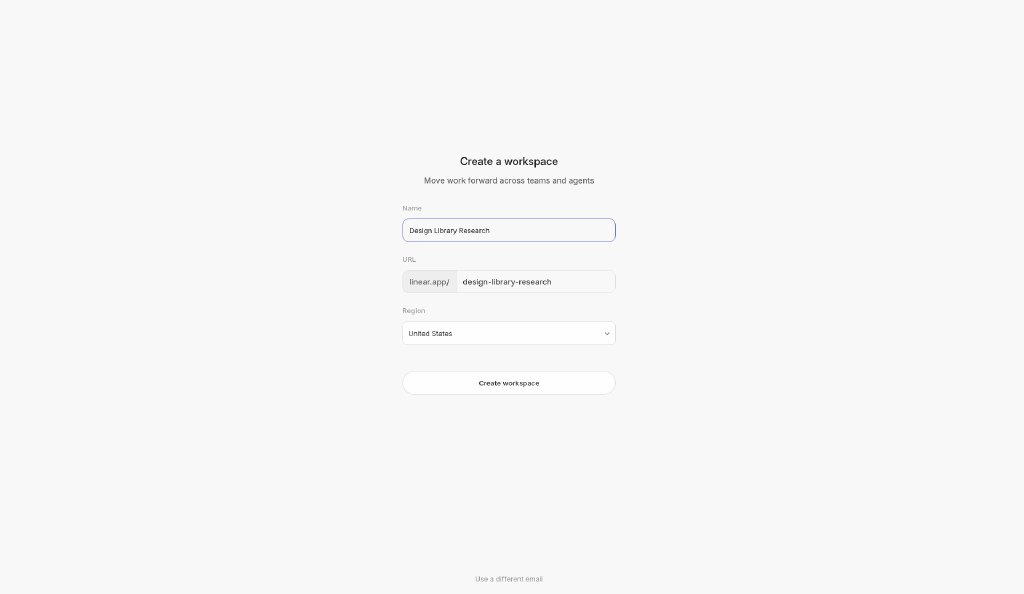
Our analysis
Our free-account captures: after a light ‘Create workspace’ form, onboarding switches to five dark split-screen steps (profile, invite, GitHub, Slack, updates) with progress dots and Skip on every step, then lands in the issues view pre-filled with four starter issues. Lesson: keep each step to one decision, make integrations optional, and seed the product with sample work so the first screen is never empty.
Similar to this
Ranked by shared color theme, layout, category, type and mood tags.
Downloads
License / terms of the source: In-app screenshots: reference captures from a free account; UI and marks © Linear
DESIGN.md for AI coding agents
Copy this into your repo or agent context. OFFICIAL and ESTIMATED values are labelled.
# DESIGN.md · Linear onboarding flow (FL-001)

> Written for AI coding agents. Values marked **OFFICIAL** come from the documented source named below; values marked **ESTIMATED** were measured by us from our own screenshots and are approximate. Never treat ESTIMATED values as official brand tokens.

## Overview
- Type: UX Flow · Category: B. UX Flows and Interaction Patterns
- Platforms: Web
- Color theme: Monochrome dark · Layout pattern: Split hero · Mood: Focused, low-friction, optional steps
- License / terms: In-app screenshots: reference captures from a free account; UI and marks © Linear

Linear’s logged-in onboarding, captured step by step from a free account: workspace creation, five optional setup steps, and the first issues view.

### Analysis (ours)
Our free-account captures: after a light ‘Create workspace’ form, onboarding switches to five dark split-screen steps (profile, invite, GitHub, Slack, updates) with progress dots and Skip on every step, then lands in the issues view pre-filled with four starter issues. Lesson: keep each step to one decision, make integrations optional, and seed the product with sample work so the first screen is never empty.

## Color tokens
No official color tokens documented for this entry.

ESTIMATED · dominant colors measured from our screenshot(s) of the source site (median-cut quantization; share = % of pixels). Approximate, not official:

- `#09090A` ~34%
- `#F8F8F9` ~17%
- `#717172` ~0%

## Typography
No official type scale documented for this entry; use the product’s own typography guidance.

## Spacing, radii, shadows
Not documented for this entry. Do not invent values; derive from your own design system.

## Components
- Centered form
- Split-screen step
- Progress dots
- Skip / Continue button pair
- Integration auth button
- Toggle list

## Layout rules
- Observed layout pattern: **Split hero** (from our captures).
- Public flow (captured, stopped before any form submission): Create workspace (linear.app (in-app, logged in)) → Set up profile (linear.app (in-app, logged in)) → Invite teammates (linear.app (in-app, logged in)) → Connect GitHub (linear.app (in-app, logged in)) → Connect Slack (linear.app (in-app, logged in)) → Subscribe to updates (linear.app (in-app, logged in)) → Issues view (app shell) (linear.app (in-app, logged in))

## Do’s and don’ts
- Do: Use a near-black canvas with high-contrast white text and at most one accent.
- Don’t: Don’t add multiple saturated accents or light-mode shadows.
- Do: follow the source’s license/terms listed above.
- Don’t: present ESTIMATED colors as official tokens.

## Sources
- https://linear.app
- Capture: linear.app (in-app, logged in)
- Capture: linear.app (in-app, logged in)
- Capture: linear.app (in-app, logged in)
- Capture: linear.app (in-app, logged in)
- Capture: linear.app (in-app, logged in)
- Capture: linear.app (in-app, logged in)
- Capture: linear.app (in-app, logged in)
- Library entry: https://design-library-byt.pages.dev/entry/FL-001