Notion onboarding flow
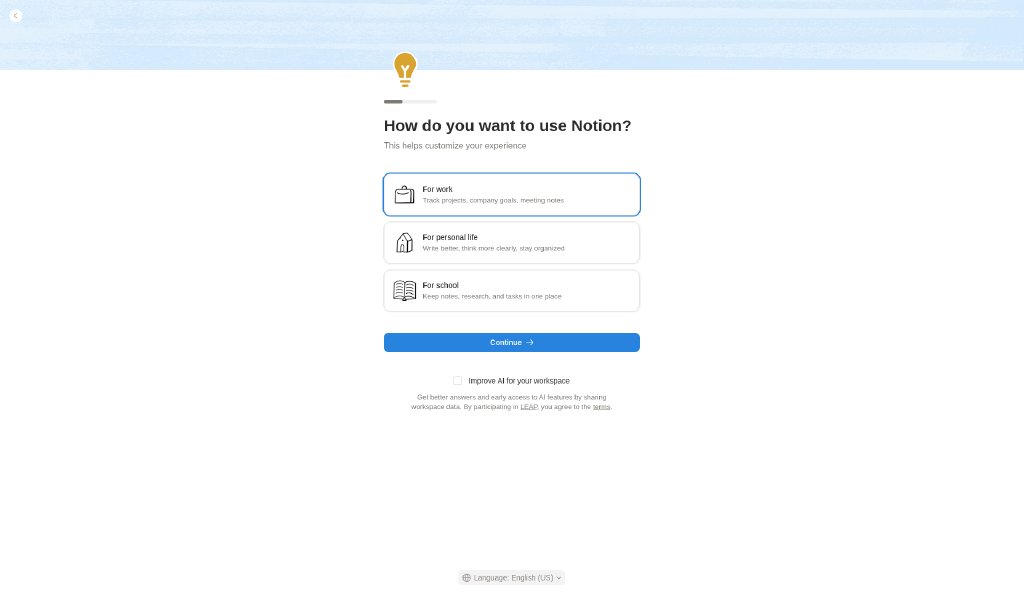
Notion’s logged-in onboarding after email sign-up, captured from a free personal account: workspace choice, use-case question, an optional expert-session offer, and the Welcome page that teaches the editor.
Summary
Notion’s logged-in onboarding after email sign-up, captured from a free personal account: workspace choice, use-case question, an optional expert-session offer, and the Welcome page that teaches the editor.
What it is
A logged-in user flow captured step by step from a free account.
Who it’s for
Designers and PMs studying onboarding and first-run experiences.
Key takeaways
- Our free-account captures: after email sign-up (not shown), Notion asks you to join an invited workspace or start your own, then uses one centered template (blue texture band, small illustration, progress bar, big choice cards or a booking grid, full-width blue button) for the setup questions.
- Every optional step has Skip.
- It ends on a Welcome page whose to-do checklist teaches the block editor.
- Lesson: ask few questions, keep one visual template, and make the first page a tutorial you can act on.
Best practices to borrow
- Use off-white or cream surfaces with warm grays and sparse accents.
- Center one headline, one sentence and at most two actions; let the next section carry detail.
- Keep every onboarding step to one decision, make optional steps skippable, and land users on useful content.
Palette preview
Quick links
Screenshots and the step-by-step flow are in the Flow tab.

Dominant palette from our captures
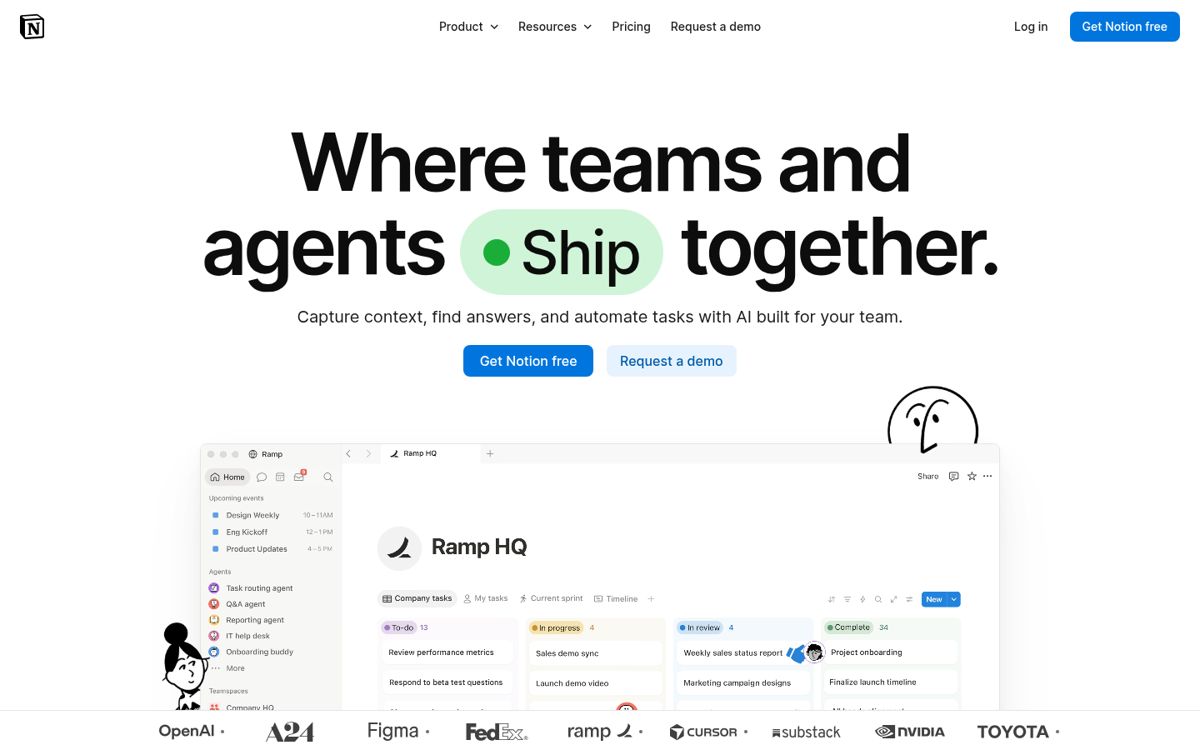
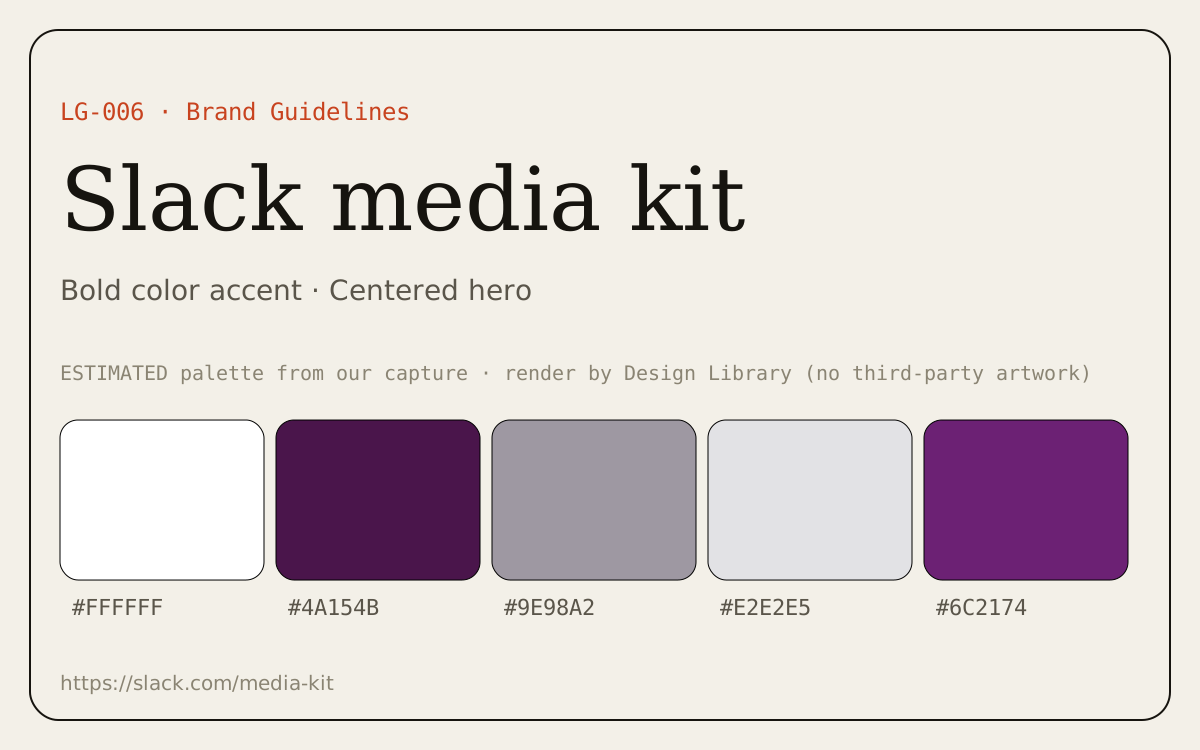
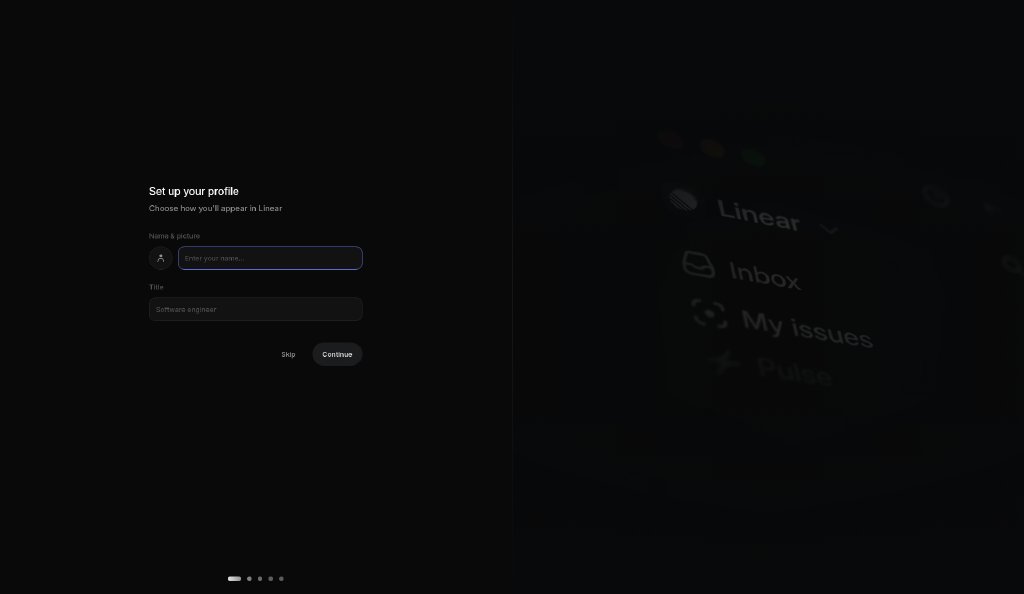
Measured by us from our screenshot(s) of https://www.notion.com (median-cut quantization; share = % of pixels). Approximate and not official.
Layout pattern: Centered hero
Observed by us on the captured page(s). See all entries by layout.
How to apply it: Center one headline, one sentence and at most two actions; let the next section carry detail.
Other entries with this layout: Lucide Icons, Iconify, LogoLounge, Slack media kit, Vercel, Raycast, Arc, Framer, Apple, Multiavatar, unDraw.
Components
Observed on the captured pages.
- Selectable choice cards
- Progress bar
- Full-width primary button
- Date strip + time-slot grid
- Skip for now
- Checklist onboarding page
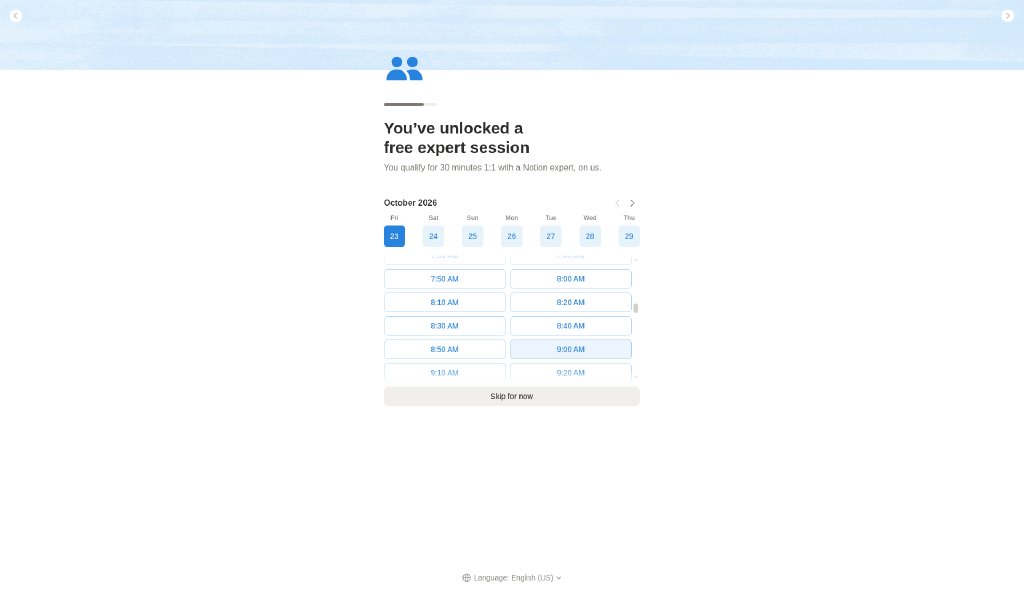
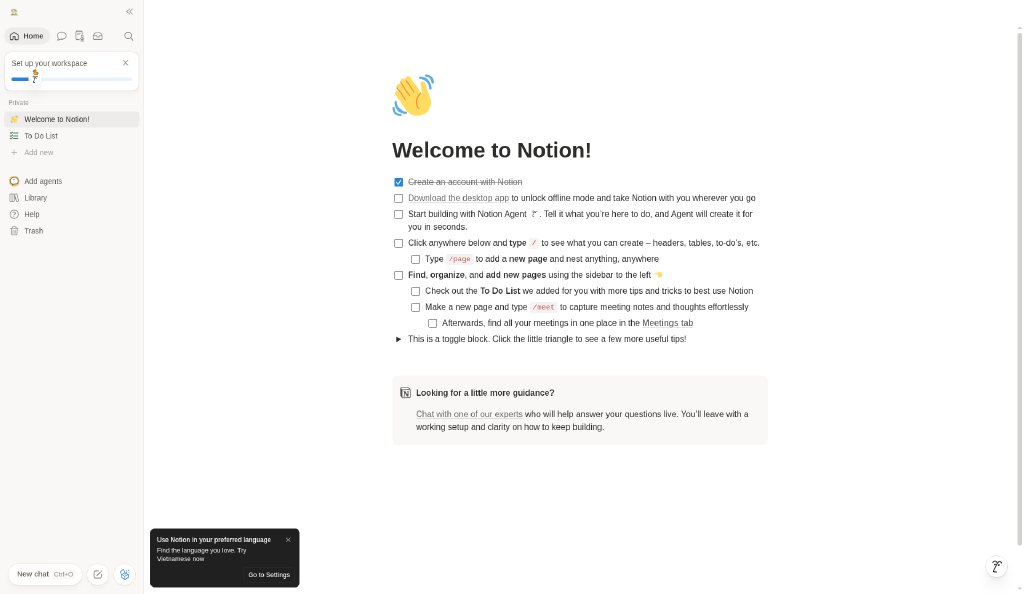
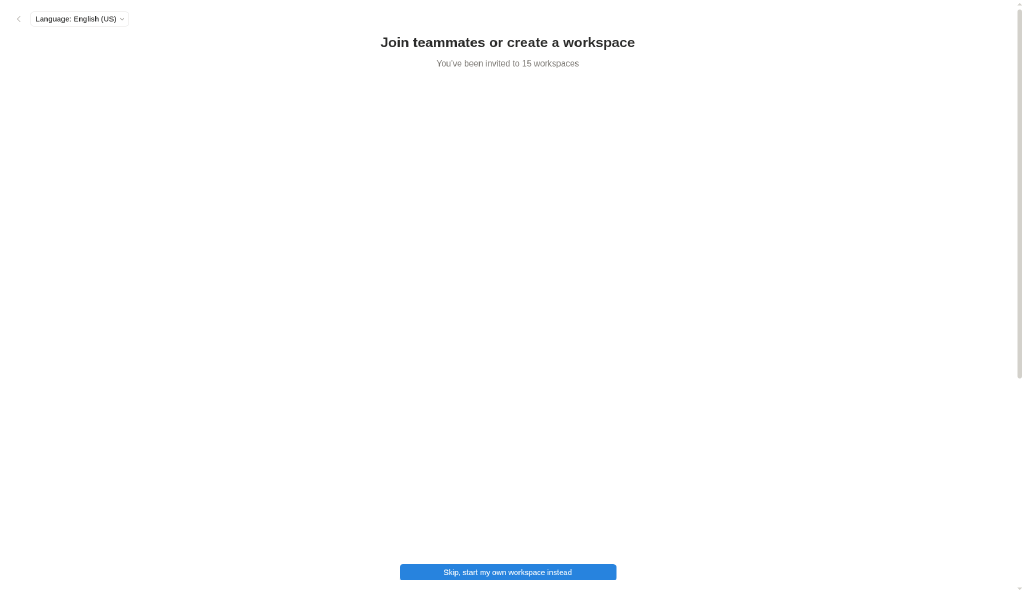
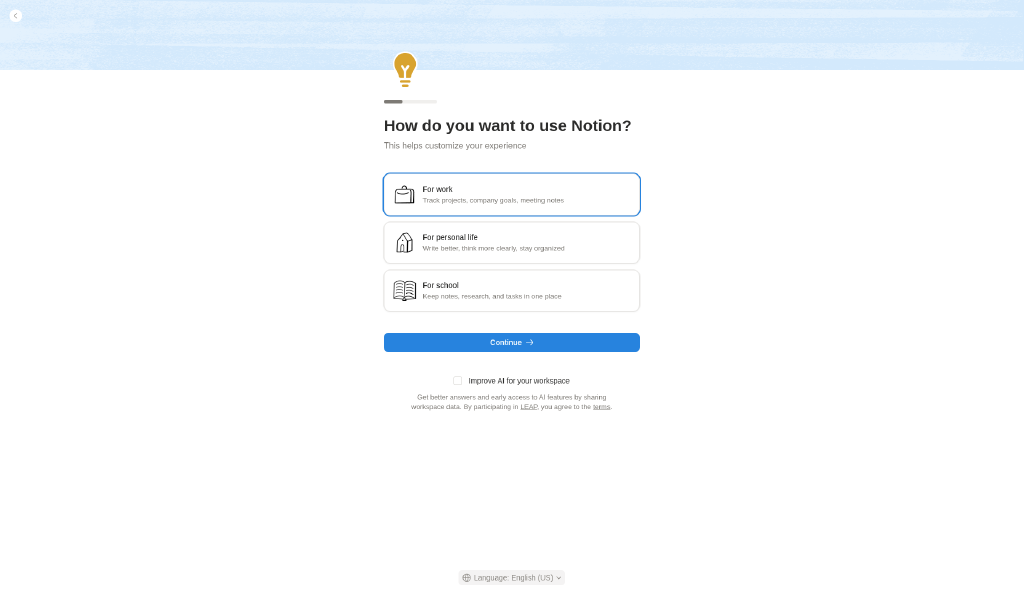
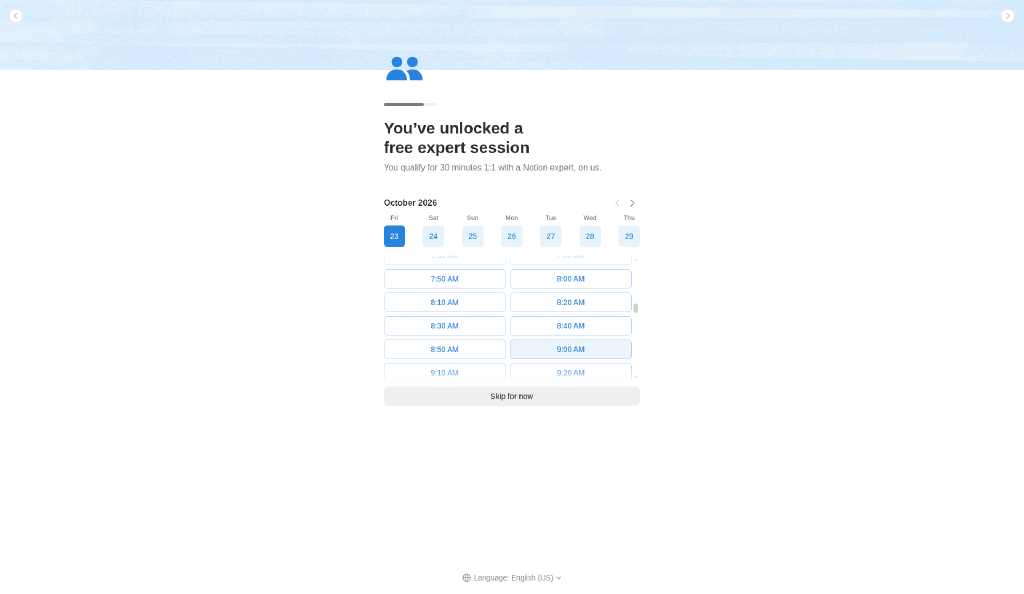
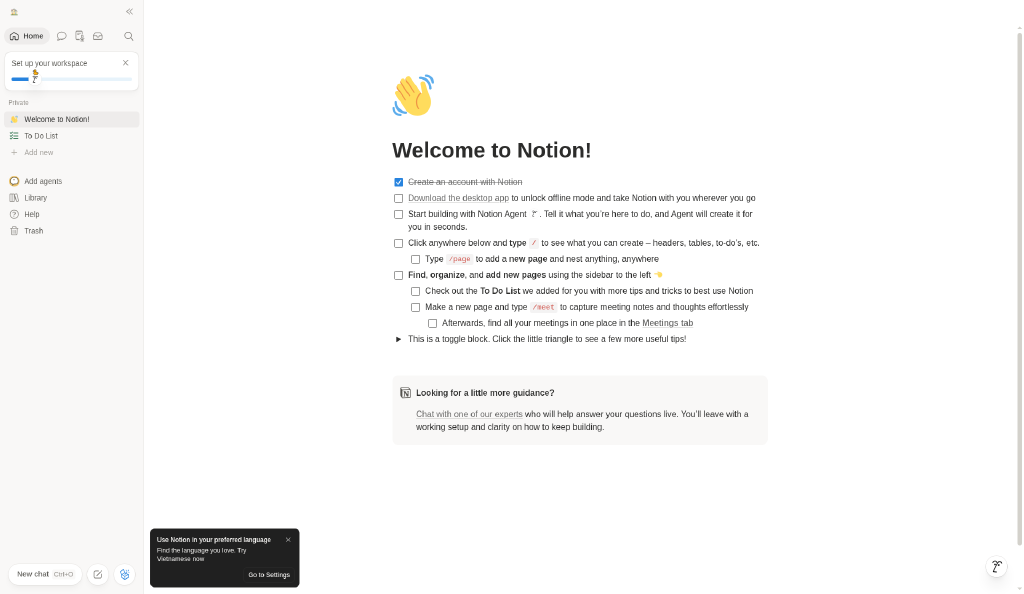
Join or create a workspace → Use case → Free expert session offer → Home · Welcome page
Captured by us inside Notion with a free account on 2026-10-23 ~00:03 (UTC+8). Reference captures for design research; Notion’s UI, content and marks belong to their owner. Not published: the two sign-up screens (they show the account email and a verification code). Blanked: the list of other people’s workspaces on the join screen, the account/workspace name wherever it appears, and the time-zone location.
Mermaid source
flowchart LR
  S1["Join or create a workspace"] --> S2
  S2["Use case"] --> S3
  S3["Free expert session offer"] --> S4
  S4["Home · Welcome page"]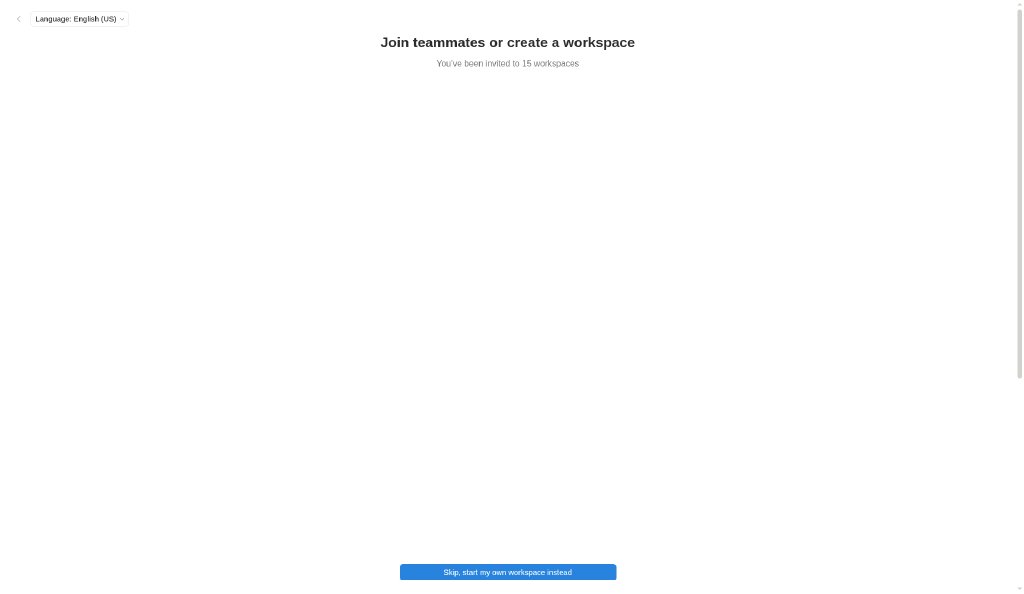
Our analysis
Our free-account captures: after email sign-up (not shown), Notion asks you to join an invited workspace or start your own, then uses one centered template (blue texture band, small illustration, progress bar, big choice cards or a booking grid, full-width blue button) for the setup questions. Every optional step has Skip. It ends on a Welcome page whose to-do checklist teaches the block editor. Lesson: ask few questions, keep one visual template, and make the first page a tutorial you can act on.
Similar to this
Ranked by shared color theme, layout, category, type and mood tags.
Downloads
License / terms of the source: In-app screenshots: reference captures from a free personal account; UI and marks © Notion Labs
DESIGN.md for AI coding agents
Copy this into your repo or agent context. OFFICIAL and ESTIMATED values are labelled.
# DESIGN.md · Notion onboarding flow (FL-002)

> Written for AI coding agents. Values marked **OFFICIAL** come from the documented source named below; values marked **ESTIMATED** were measured by us from our own screenshots and are approximate. Never treat ESTIMATED values as official brand tokens.

## Overview
- Type: UX Flow · Category: B. UX Flows and Interaction Patterns
- Platforms: Web
- Color theme: Warm neutral · Layout pattern: Centered hero · Mood: Friendly, guided, low-pressure
- License / terms: In-app screenshots: reference captures from a free personal account; UI and marks © Notion Labs

Notion’s logged-in onboarding after email sign-up, captured from a free personal account: workspace choice, use-case question, an optional expert-session offer, and the Welcome page that teaches the editor.

### Analysis (ours)
Our free-account captures: after email sign-up (not shown), Notion asks you to join an invited workspace or start your own, then uses one centered template (blue texture band, small illustration, progress bar, big choice cards or a booking grid, full-width blue button) for the setup questions. Every optional step has Skip. It ends on a Welcome page whose to-do checklist teaches the block editor. Lesson: ask few questions, keep one visual template, and make the first page a tutorial you can act on.

## Color tokens
No official color tokens documented for this entry.

ESTIMATED · dominant colors measured from our screenshot(s) of the source site (median-cut quantization; share = % of pixels). Approximate, not official:

- `#FFFFFF` ~84%
- `#D6EBFC` ~3%
- `#7C8E9E` ~1%

## Typography
No official type scale documented for this entry; use the product’s own typography guidance.

## Spacing, radii, shadows
Not documented for this entry. Do not invent values; derive from your own design system.

## Components
- Selectable choice cards
- Progress bar
- Full-width primary button
- Date strip + time-slot grid
- Skip for now
- Checklist onboarding page

## Layout rules
- Observed layout pattern: **Centered hero** (from our captures).
- Public flow (captured, stopped before any form submission): Join or create a workspace (notion.so (in-app, logged in)) → Use case (notion.so (in-app, logged in)) → Free expert session offer (notion.so (in-app, logged in)) → Home · Welcome page (notion.so (in-app, logged in))

## Do’s and don’ts
- Do: Use off-white/cream surfaces and warm grays; keep accents sparse.
- Don’t: Don’t switch to cold pure-white/blue-gray surfaces.
- Do: follow the source’s license/terms listed above.
- Don’t: present ESTIMATED colors as official tokens.

## Sources
- https://www.notion.com
- Capture: notion.so (in-app, logged in)
- Capture: notion.so (in-app, logged in)
- Capture: notion.so (in-app, logged in)
- Capture: notion.so (in-app, logged in)
- Library entry: https://design-library-byt.pages.dev/entry/FL-002