A field guide to good interfaces.
Design systems, icons, fonts, flows and real-app screens, collected and checked against their official sources. Every entry records where it came from, its license, its platforms and an archived copy.
How the library is organized
Ten topic sections plus a folder per app. Highlighted tiles already have entries; the rest fill in batch by batch.
Section A · UI-UX Inspiration and References
Real-product screens, landing pages and galleries for visual reference.
Section B · UX Flows and Interaction Patterns
Onboarding, checkout, search and settings flows, plus micro-interactions.
Section C · Design Systems
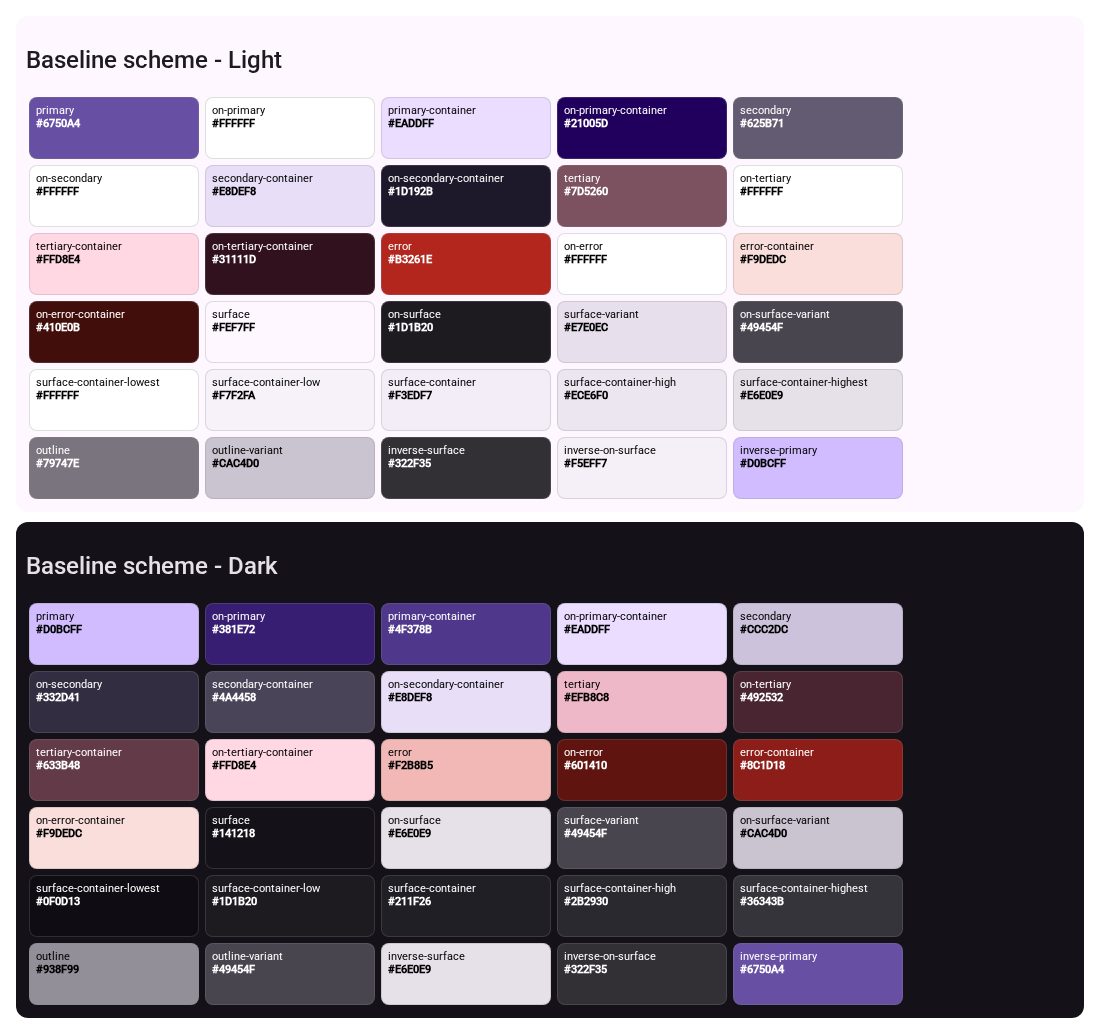
Official systems with tokens: color, type, shape, spacing, components and UX lessons.
Section D · Icons and Visual Assets
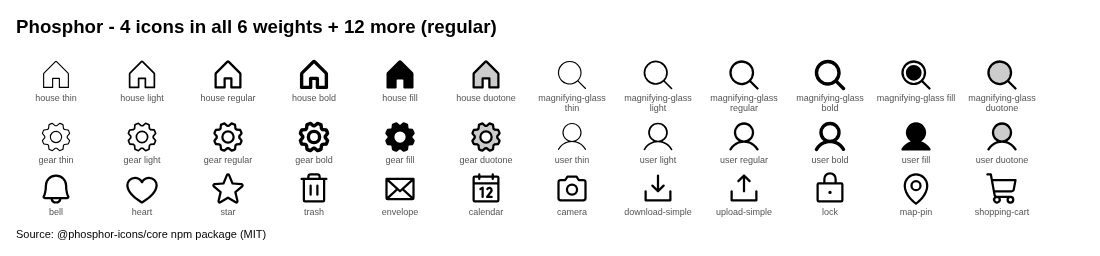
Icon libraries, illustrations and graphic assets, each with its license.
Section E · Mockups and Templates
Device mockups, UI kits and Figma templates.
Section F · Fonts and Typography
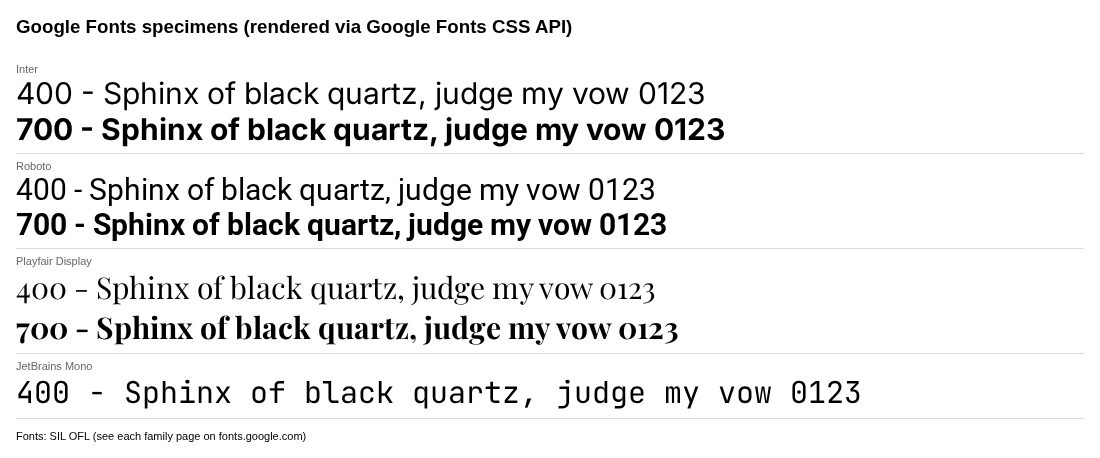
Font libraries, pairings and type-scale references.
Section G · Learning and Case Studies
Articles, courses and in-depth case studies.
Section H · Logos and Brand Identity
Logo galleries, public brand guidelines, open brand assets and logo-design principles.
Section I · Website References
Well-designed public websites with our own captures and step-by-step public flows.
Section J · Avatars and Illustrations
Avatar generators and illustration libraries with checked licenses and usage snippets.
Apps
One folder per app, with screens grouped by flow (onboarding, home, checkout…).